Everything Giga Quizzes offers
A free live quiz platform — every question type, game mode, and setting, in one place.
See it in action
In short
- 11 question types, from single choice and true/false to hotspot and sliders
- Poll questions with no correct answer and no scoring — answered on tiles or in free text
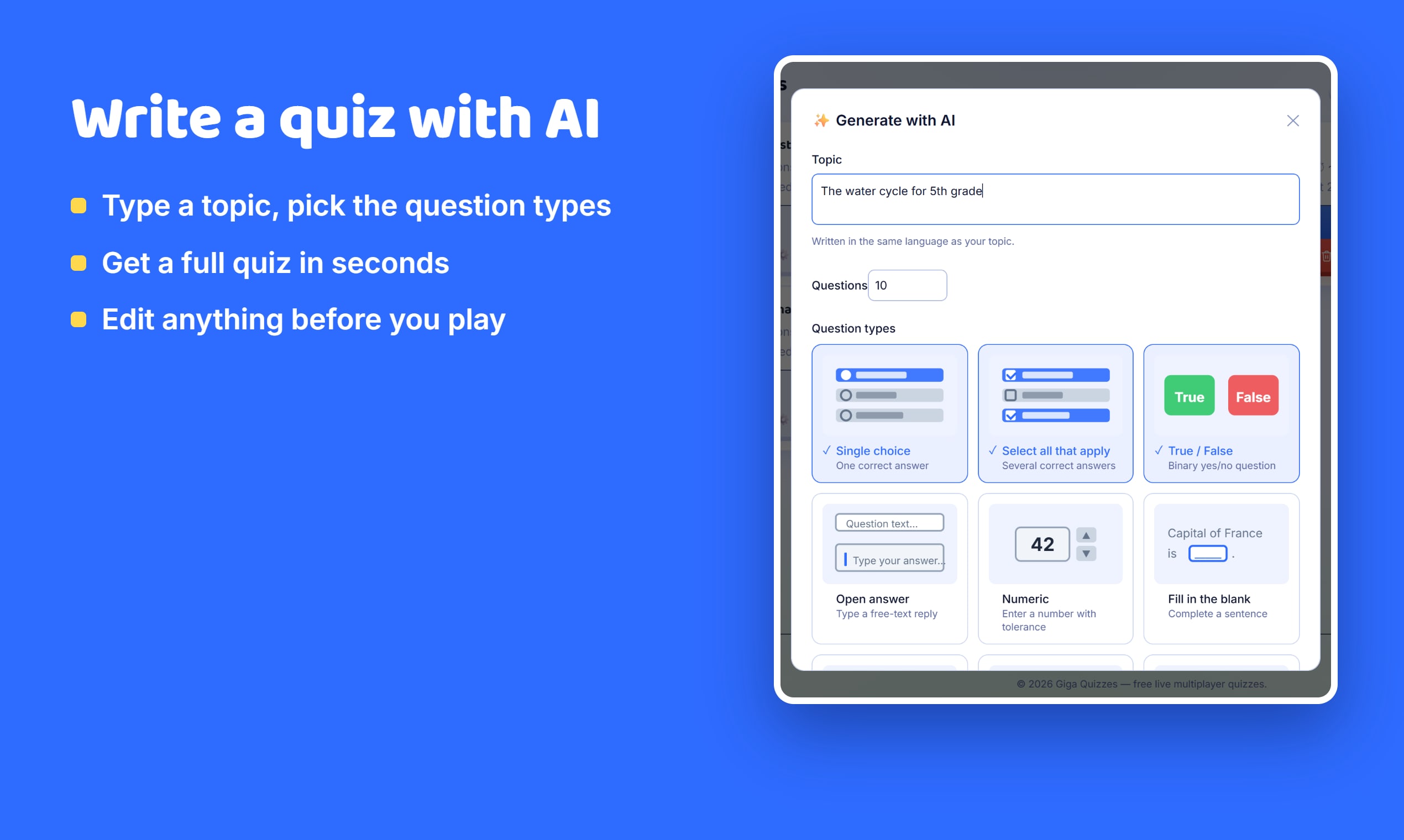
- AI quiz generation for 9 question types
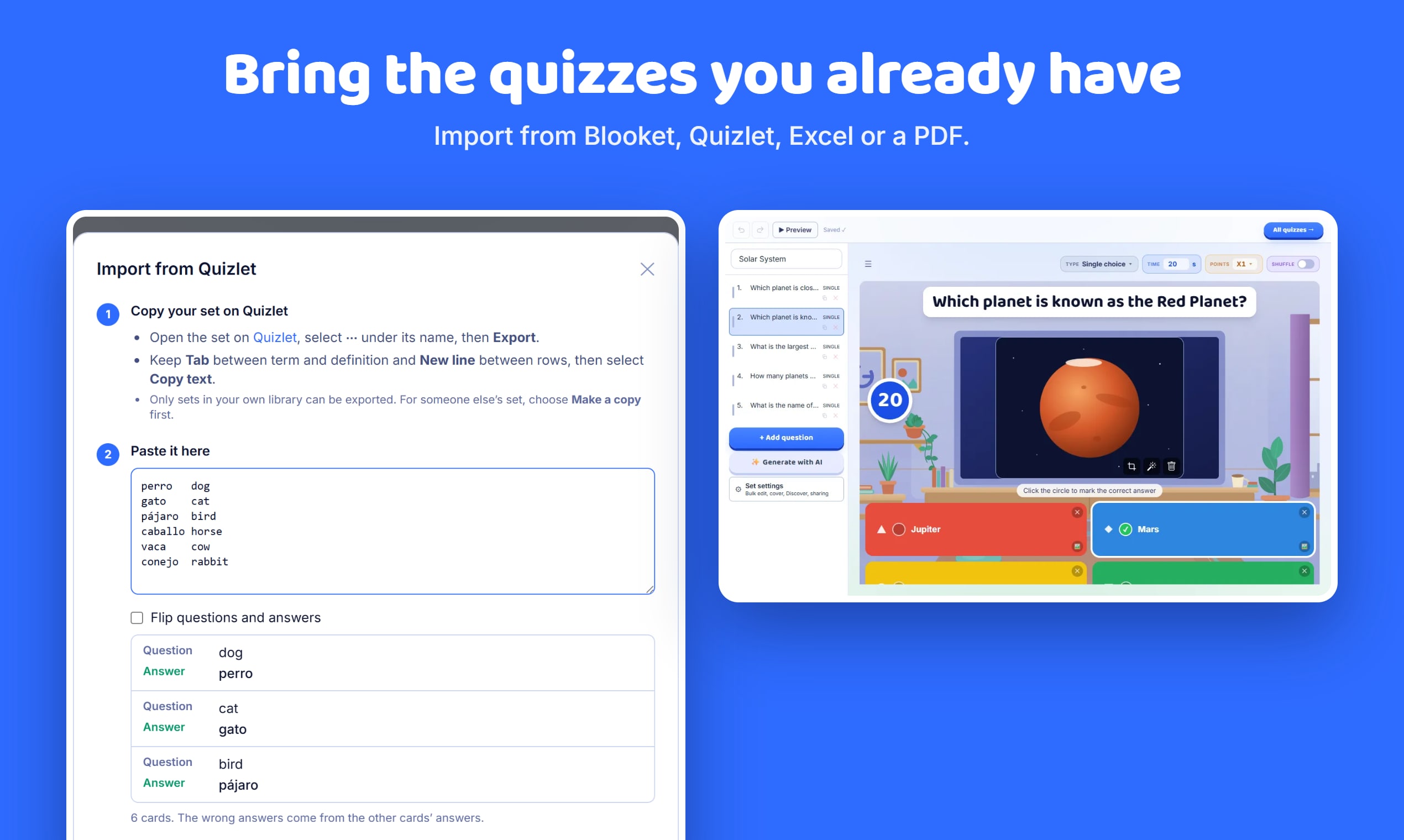
- PDF import from Blooket exports, including Hebrew/RTL, plus Excel, CSV and Quizlet import
- Auto-fetched images from Wikimedia Commons with credit, plus automatic compression
- Kahoot-style image reveal grid (3×3 / 5×5 / 8×8) with adjustable speed
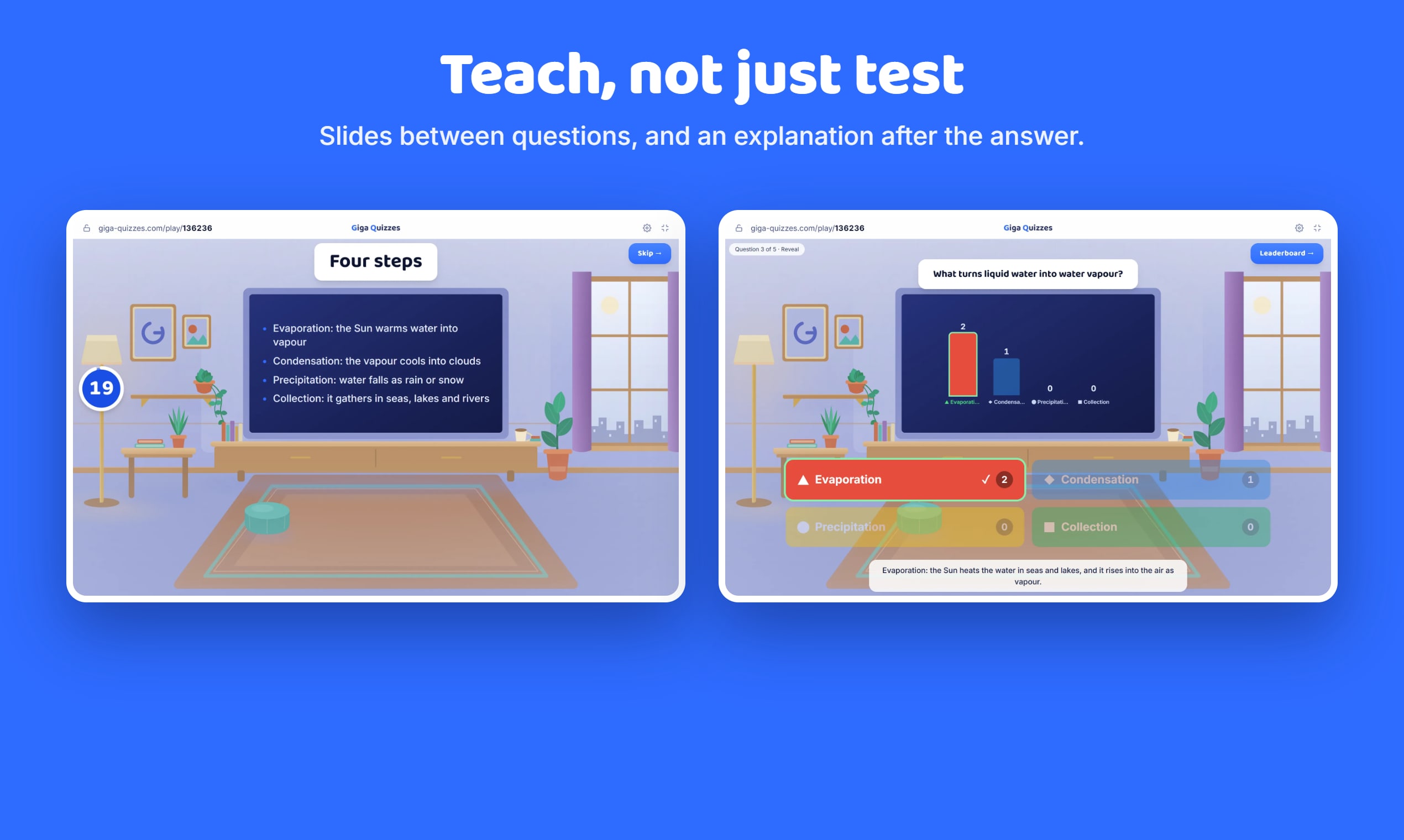
- Per-question time limit, points, and explanation shown after reveal
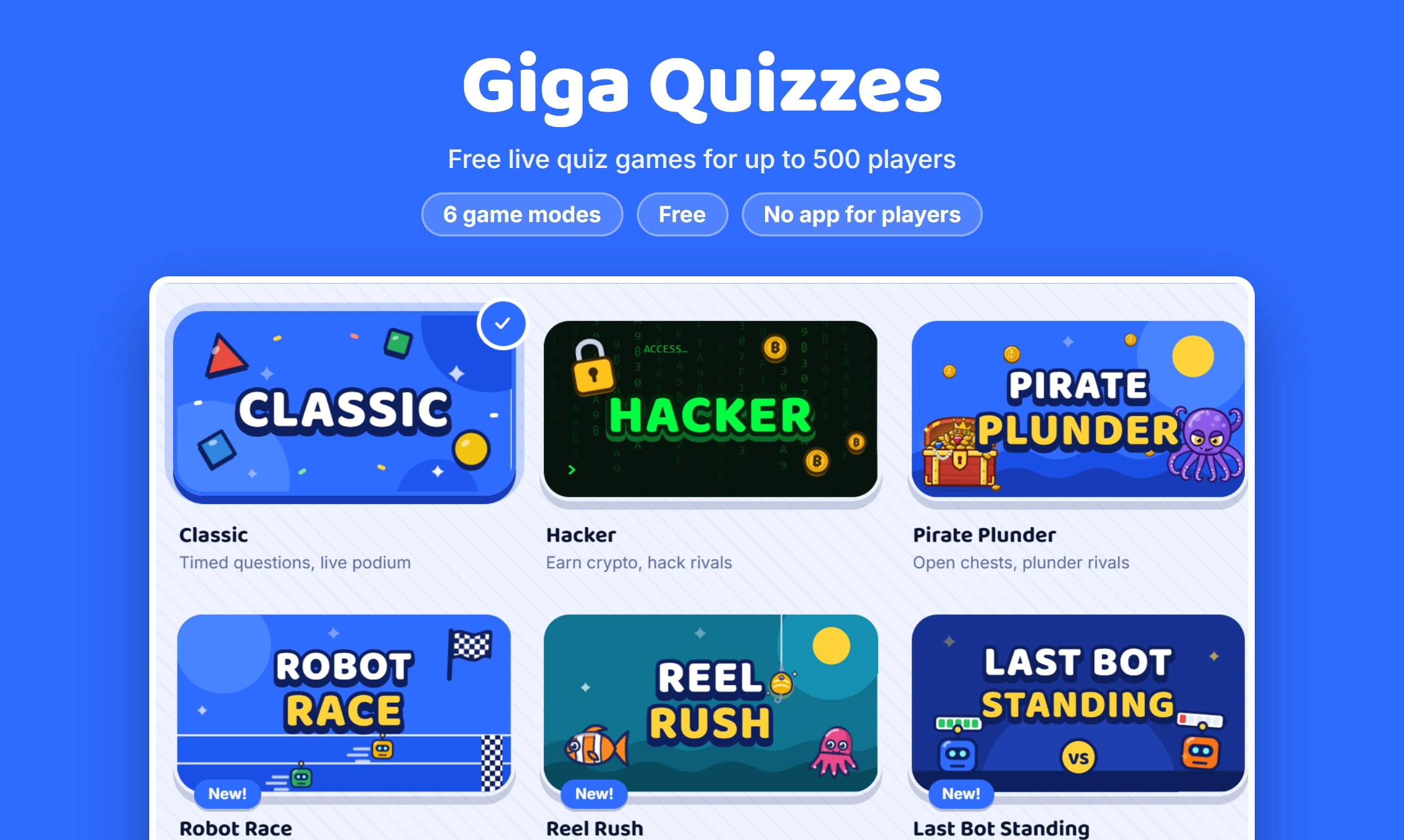
- Six game modes: Classic, Hacker, Pirate Plunder, Robot Race, Reel Rush and Last Bot Standing
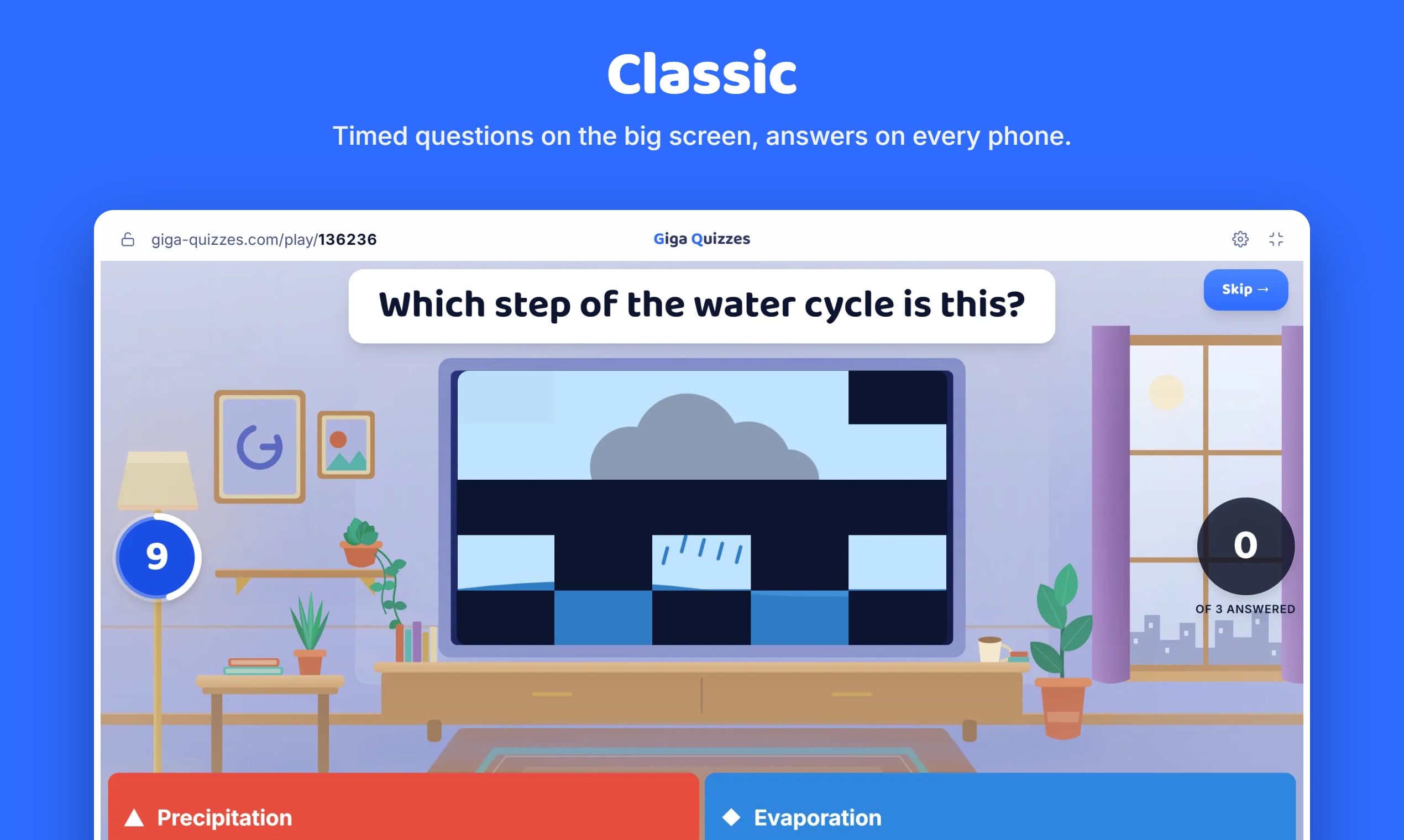
- Classic mode: live leaderboard, delayed reveal, auto-advance, phone color-only answers
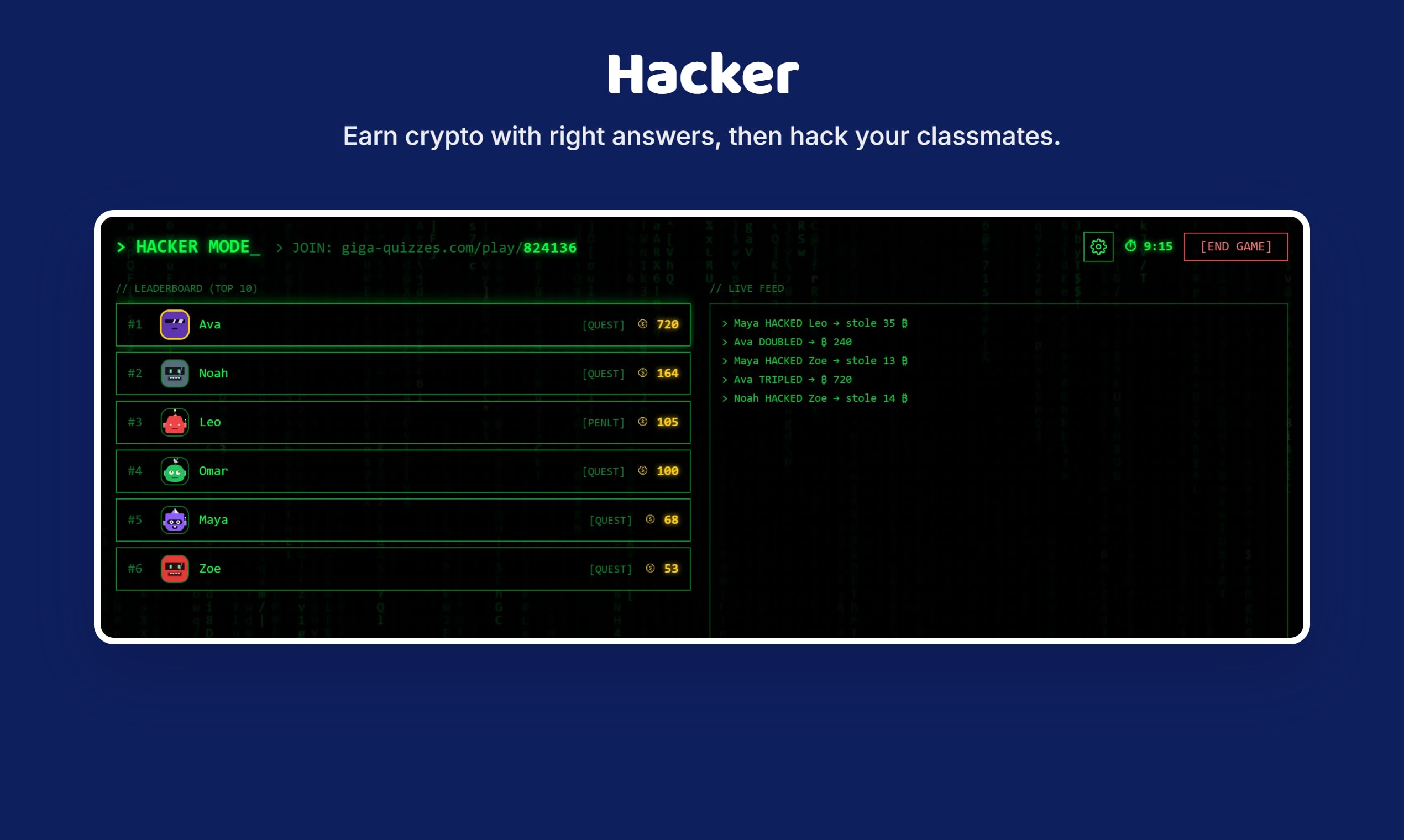
- Hacker mode: crypto rewards, player hacking, timed or race-to-crypto win condition
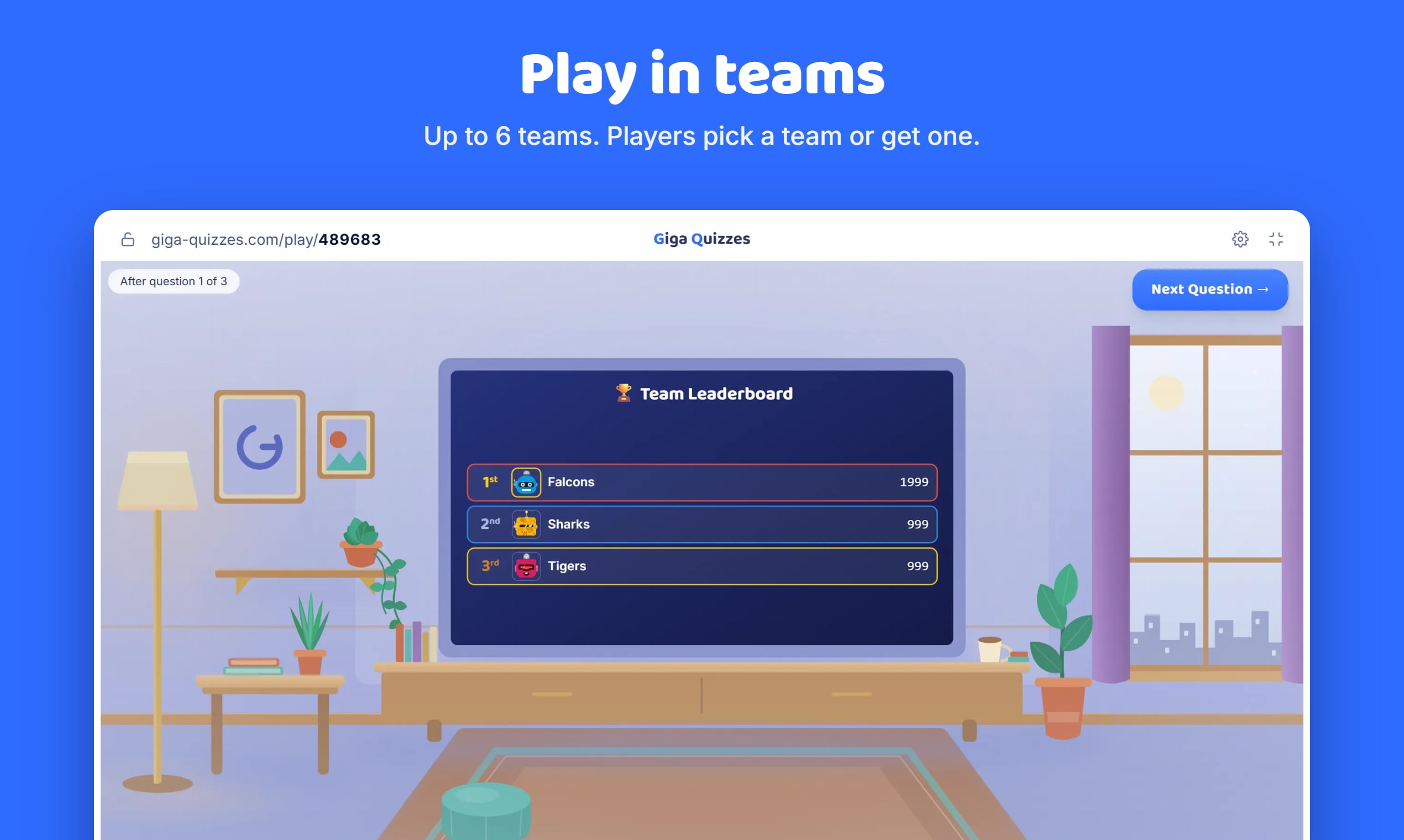
- Teams: auto-assigned or player self-pick, up to 6 teams, combinable with either mode
- Mini-games and live 1v1 Tic-Tac-Toe challenges while waiting
- Customizable DiceBear-style avatars, editable anytime
- Live hosting for up to 500 players per game, no app to install
- Encrypted WebRTC connections between the host and every player
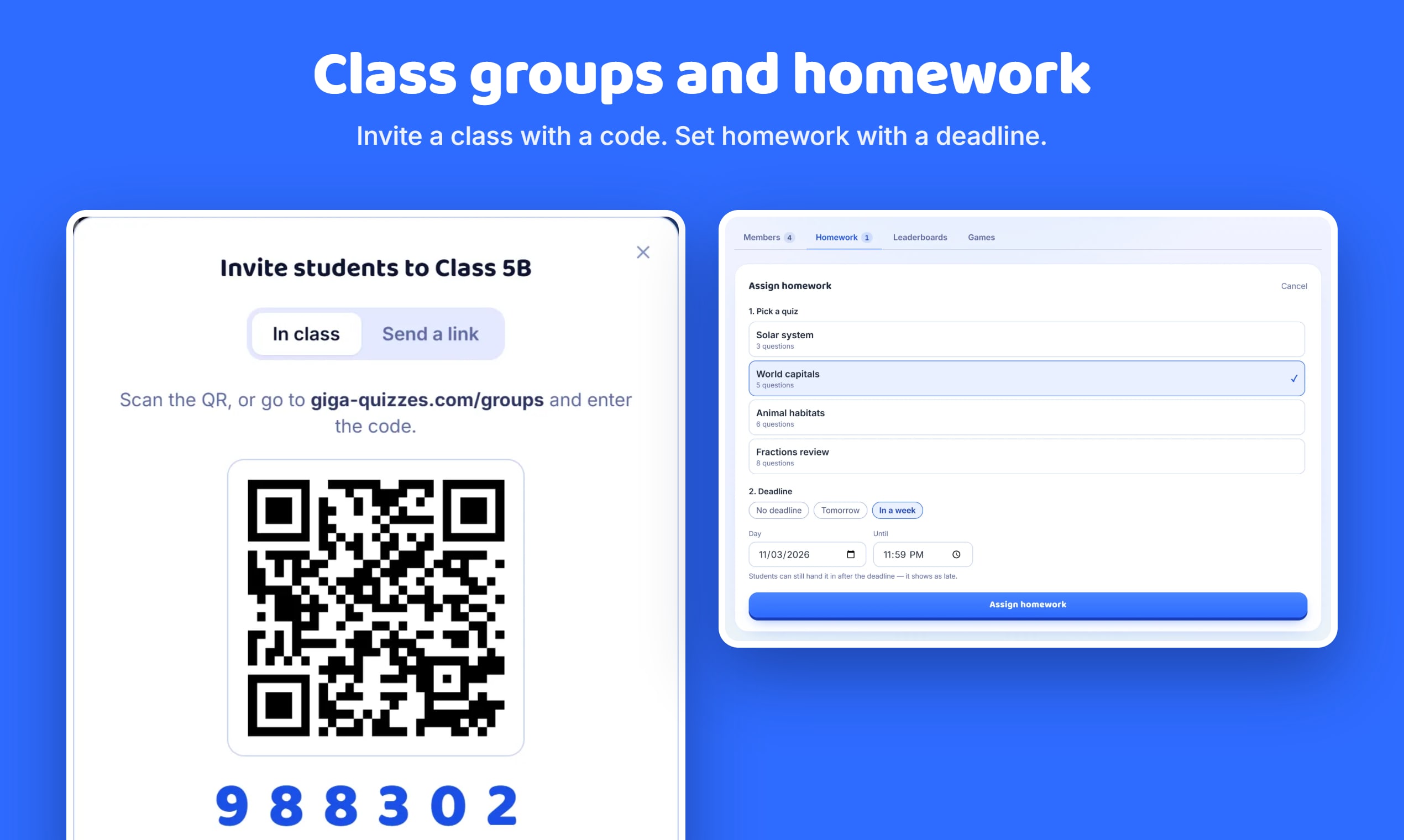
- Room code or QR code to join
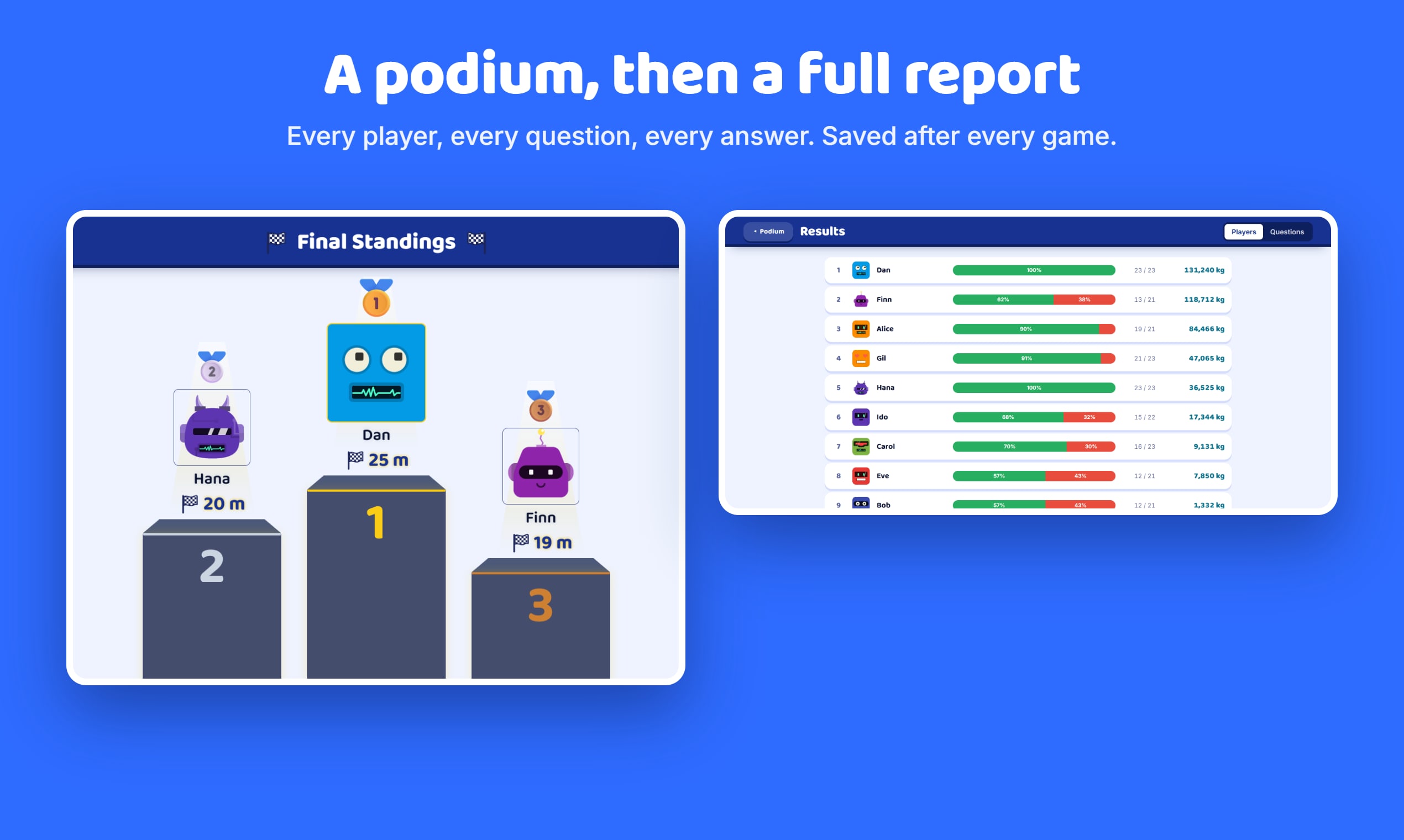
- Animated podium with confetti at game end
- Saved game reports: overall accuracy, player ranking, per-question and per-answer-option breakdown
- Reports save automatically if a game is stopped early, or manually with a label at the end
- Last 100 reports kept, with favorites protected from deletion
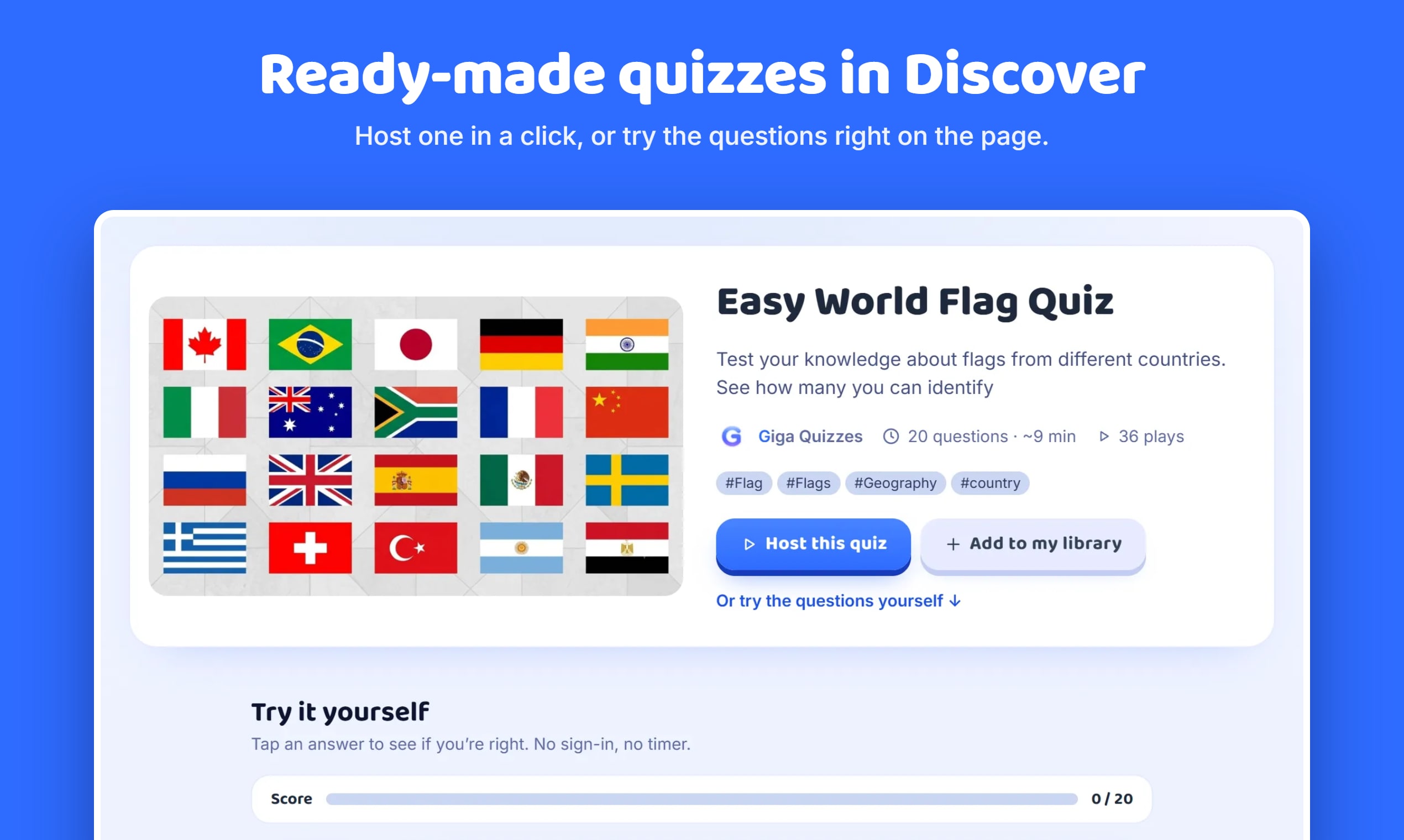
- Discover: a public library of quizzes to play or import
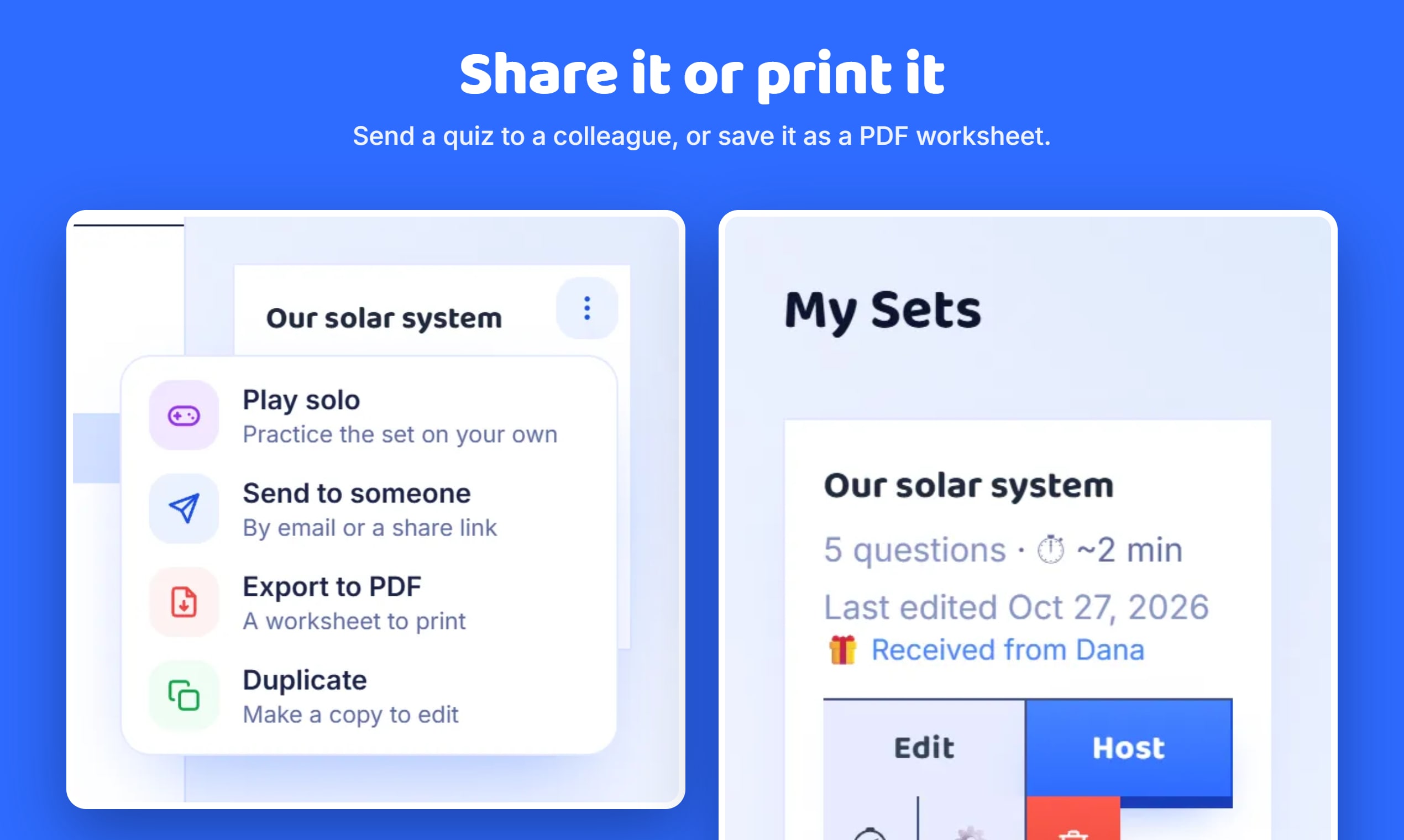
- Send a quiz to someone, or receive a play-only copy
- Library holds up to 100 sets, 100 questions each — play solo, export to PDF, or duplicate any set
- Personal defaults for time, points, and every game-start toggle
- Players join with a room code and no account at all. Creating and hosting your own sets needs a free account, which also syncs your library across devices
Question types
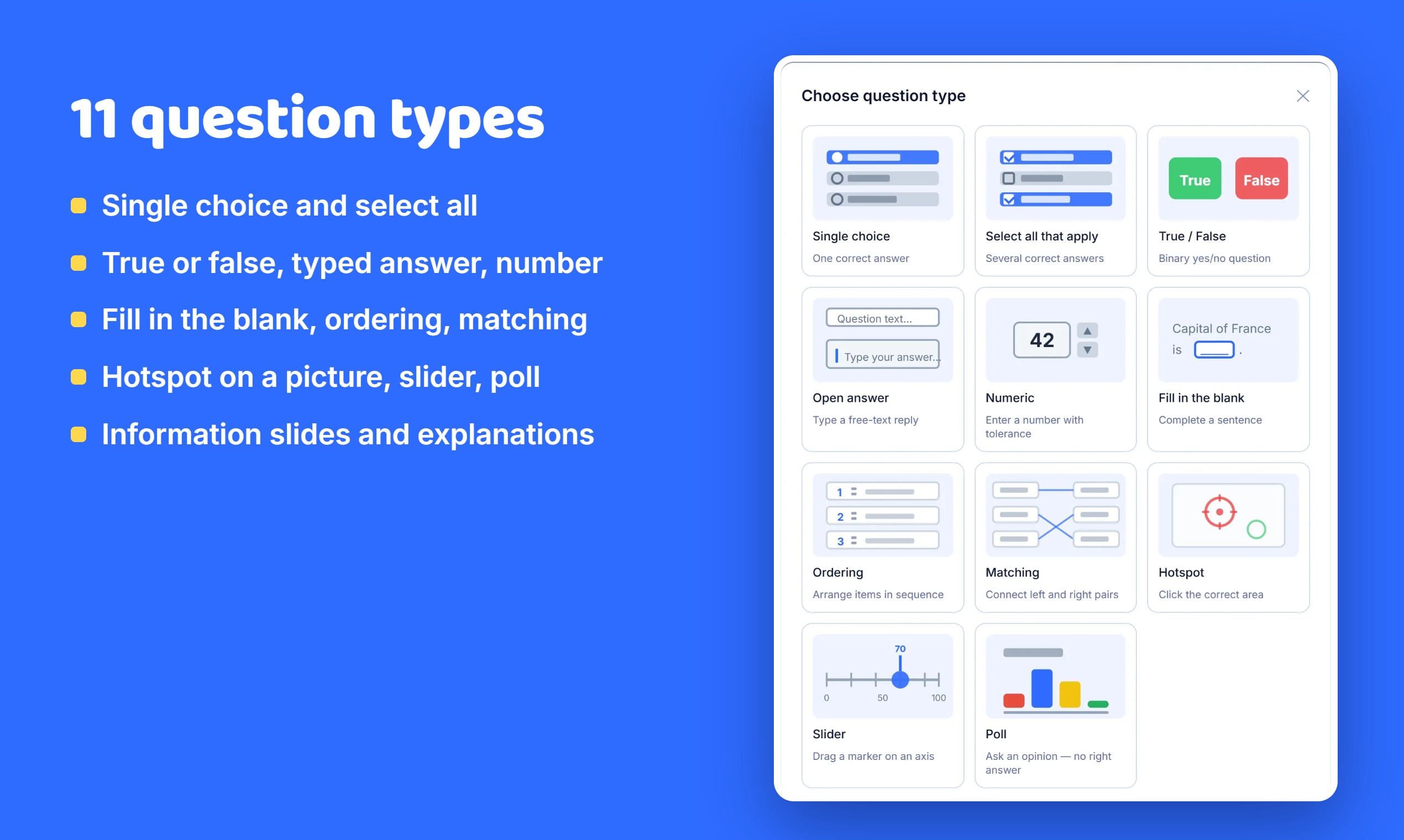
Giga Quizzes supports 11 question types, all of them available directly from the question picker. An existing question can also be switched to another type from the editor’s type dropdown, keeping its text and image.
- Single choice — One correct answer out of up to 6 options.
- Select all that apply — Several correct answers — players pick every one, with partial credit.
- True / False — A binary yes/no question.
- Open answer — Players type a free-text reply, matched against a list of accepted answers.
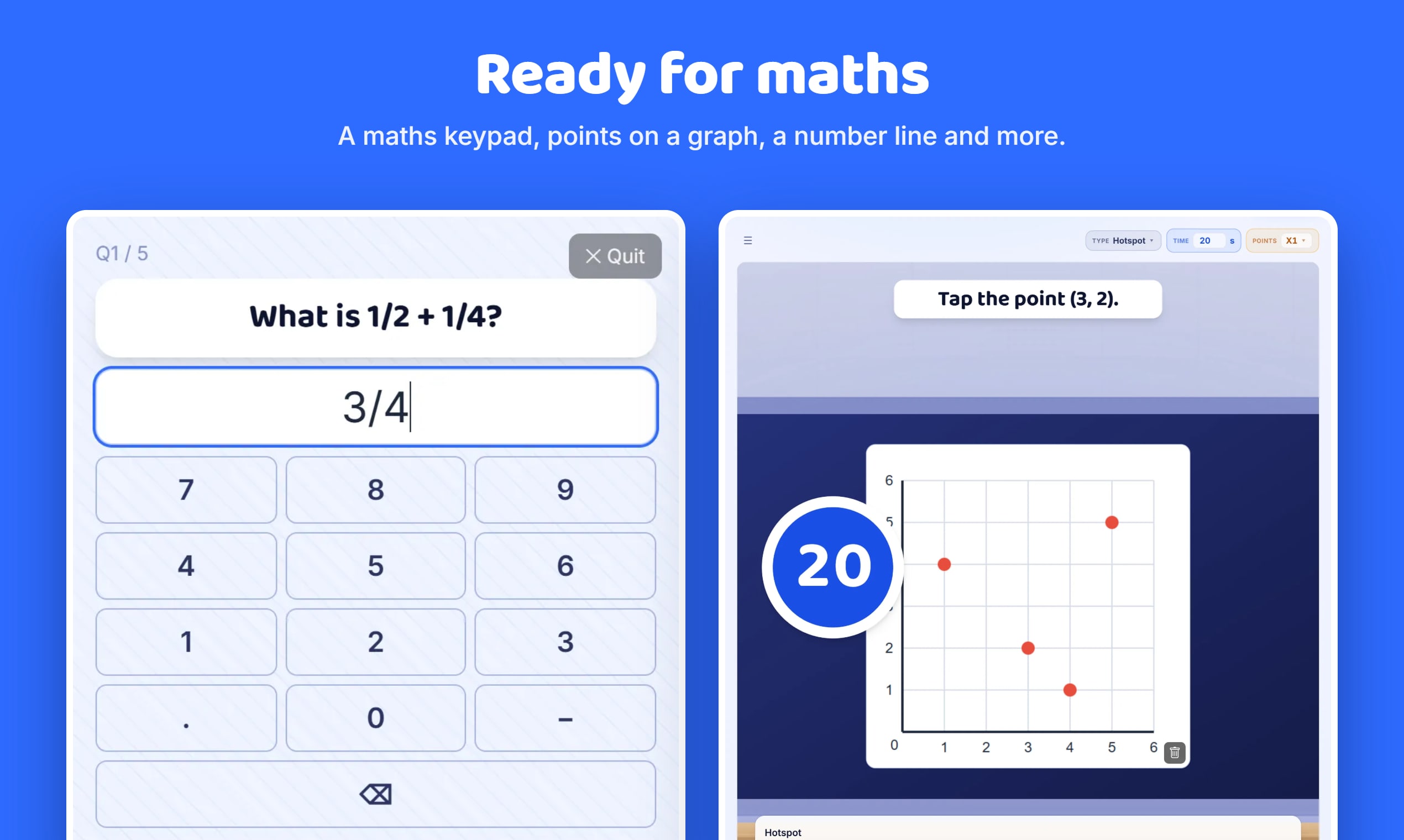
- Numeric — Players enter a number; scored within a configurable tolerance.
- Fill in the blank (cloze) — Complete a sentence with up to 10 blanks, each with its own accepted answers.
- Ordering — Arrange a list of items into the correct sequence.
- Matching — Connect items on the left to their correct pair on the right.
- Hotspot — Click the correct area on an image, scored within a tolerance radius.
- Slider (number line) — Drag a marker to the correct value on a number line, within a tolerance.
- Poll — An opinion question with no correct answer and no scoring. Answered either by picking from options, or by everyone writing their own answer — written answers appear on the class screen as they arrive and group into a word cloud at the reveal.
Building a set
Questions can be typed manually or generated with AI for 9 of the 11 types (single, multiple choice, true/false, open, numeric, cloze, ordering, matching, and slider — the two exceptions are hotspot and poll). Quizzes can also be imported from a PDF exported by Blooket’s “Question Set” feature, including right-to-left/Hebrew text, from a spreadsheet (Blooket’s CSV template or an Excel file), or from a Quizlet set pasted in.
- Drag and drop to reorder questions
- Undo and redo for edits made in the current editing session
- “From my bank” — reuse a question from any of your other sets
- “From Discover” — pick individual questions out of a public quiz
Per-question extras
Any question can carry an image. Giga Quizzes can auto-fetch a relevant image from Wikimedia Commons (with attribution and a source link) or accept an uploaded one — images are compressed automatically so they travel smoothly between devices, and can be cropped to a circle, square, landscape, or portrait frame and rescaled.
Images also support a Kahoot-style reveal grid: the picture starts covered by a 3×3, 5×5, or 8×8 grid of tiles that fade out over the question’s answer time, at an adjustable speed. Every question has its own time limit and point value, and can carry an optional explanation shown to players right after the answer is revealed.
Game modes
- Classic — timed questions on the big screen and a live podium.
- Hacker — earn crypto with right answers, then hack rivals.
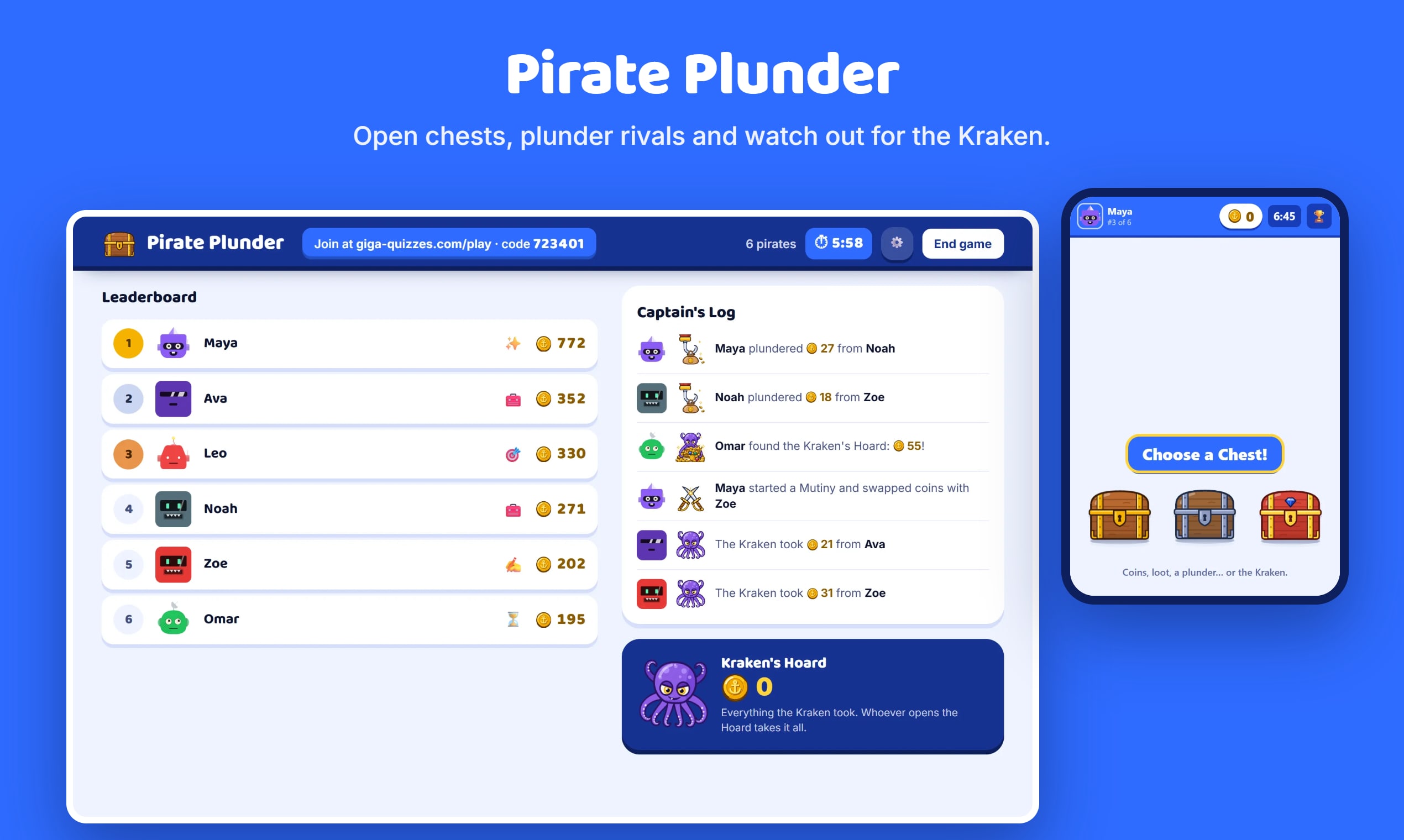
- Pirate Plunder — open treasure chests, plunder rivals and beware the Kraken.
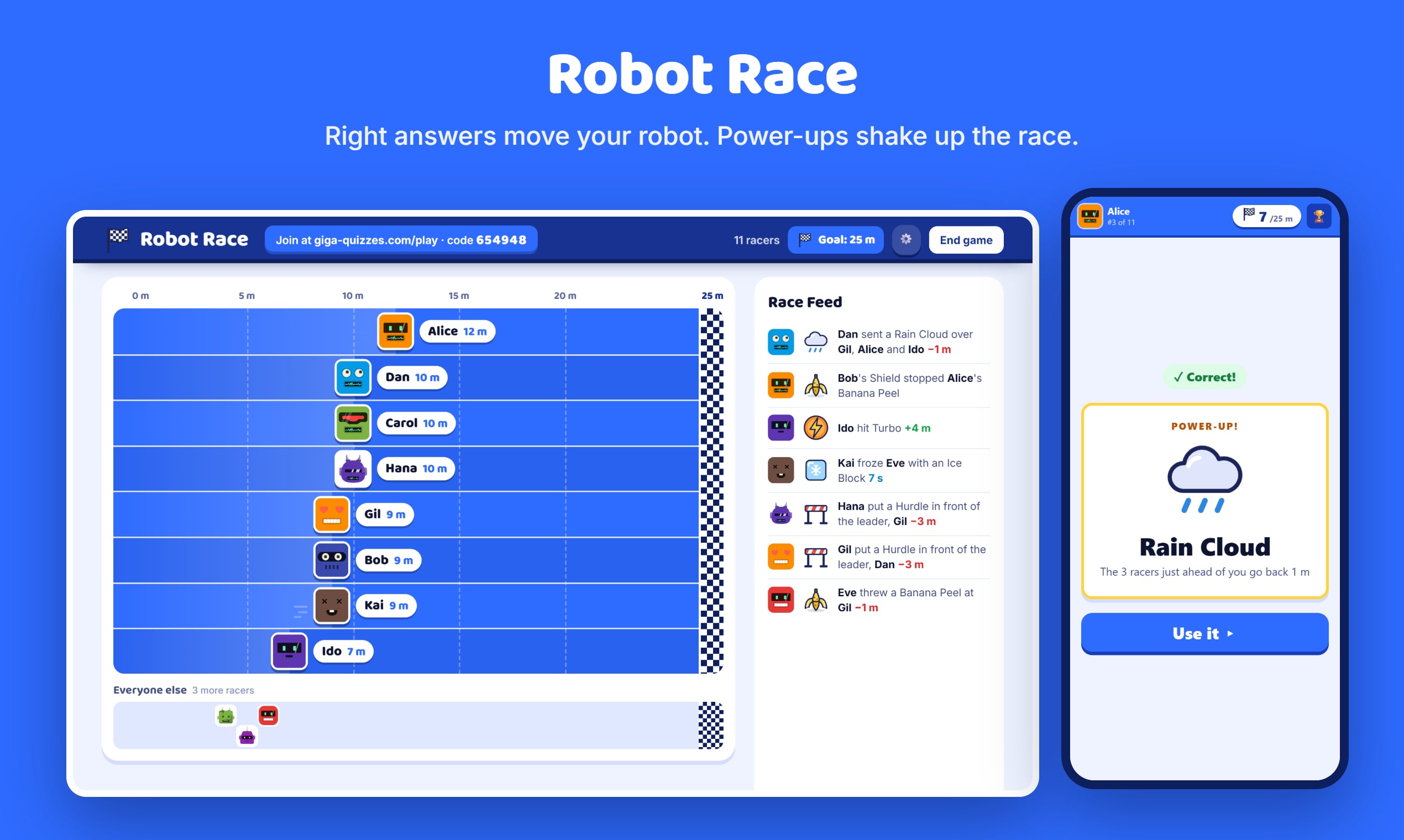
- Robot Race — every right answer moves your robot down the track, with power-ups along the way.
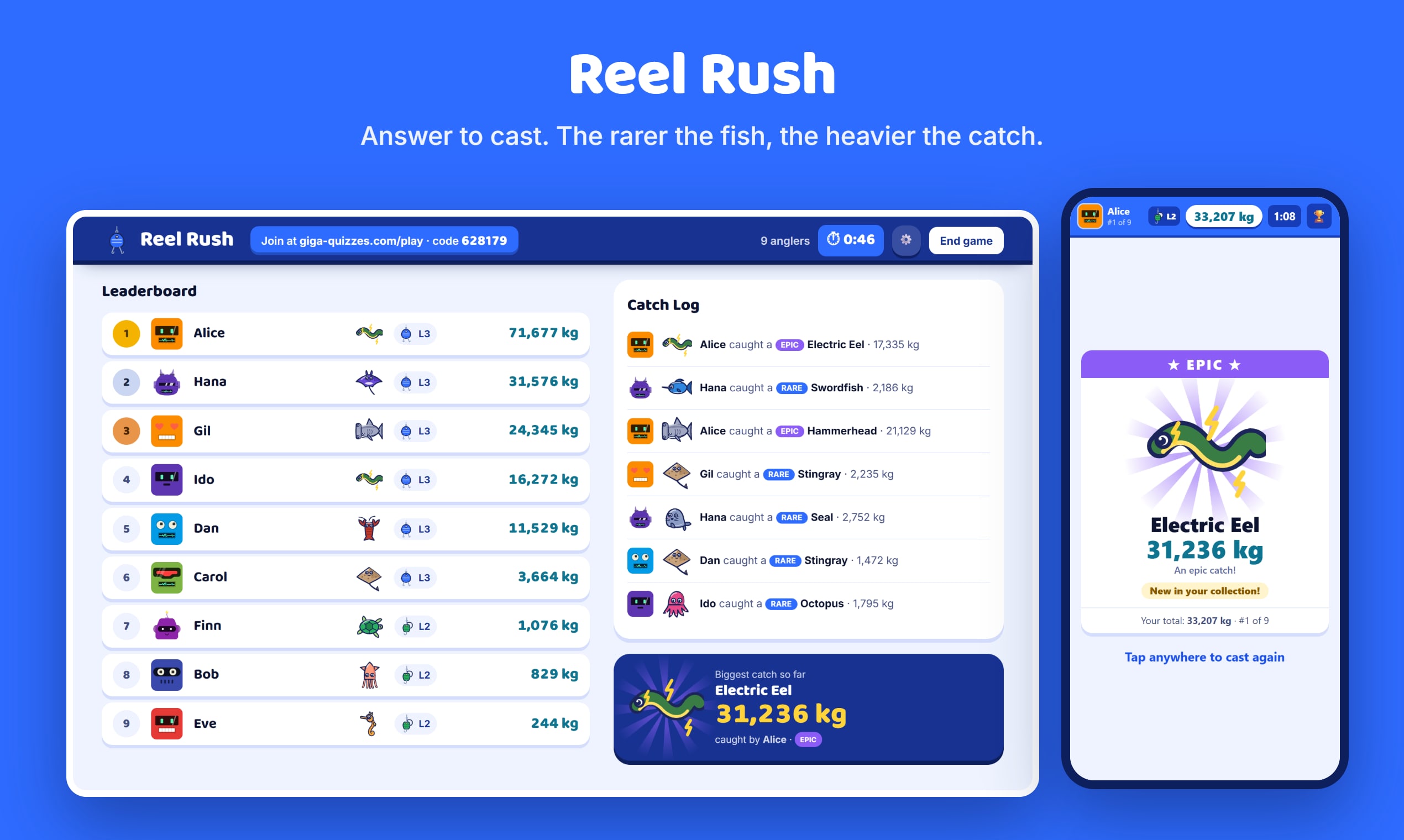
- Reel Rush — answer to cast, and land rarer, heavier fish.
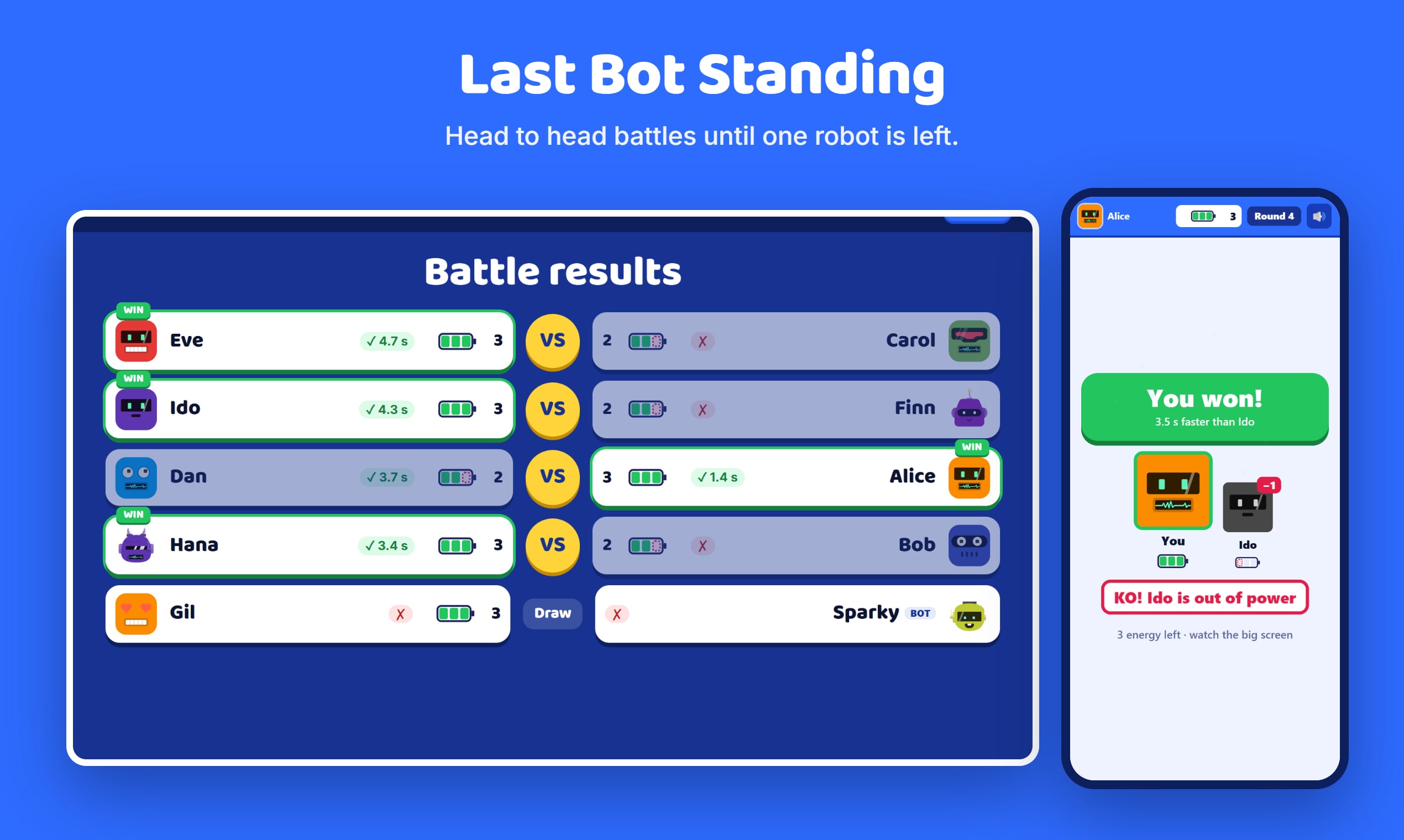
- Last Bot Standing — head to head battles until one robot is left.
Classic mode settings
Classic is the default mode — timed questions with a live leaderboard. On top of the settings shared with Hacker mode (below), four settings are Classic-only:
- Host can also answer — register the host as a competing player.
- Reveal answers after 3s — delay the correct-answer reveal so players read the question first.
- Auto-advance screens — automatically move past the answer reveal (5s) and leaderboard (3s); the host can still advance manually.
- Phones show colors only — multiple-choice answers appear on phones as color-and-shape buttons, so players read the question on the shared screen instead.
Hacker mode settings
Hacker mode turns the quiz into a crypto-earning, rival-hacking game. One setting is Hacker-only, plus a win condition:
- Show instructions — show players a how-to-play screen before the game starts.
- Win condition — either Timed (most crypto when a configurable number of minutes runs out) or Race to crypto (first player to reach a configurable crypto target wins).
Teams
Teams is an add-on that combines with either Classic or Hacker mode — up to 6 teams, each with an editable name and avatar skin. Players can be auto-assigned (split evenly as they join) or, with self-pick turned on, they choose their own team in the lobby — anyone who doesn’t choose before the game starts is auto-assigned. The host can rename or re-skin a team and drag players between teams from the lobby.
Mini-games
While waiting in a Hacker-mode lobby or between questions, players can jump into mini-games: Flappy, Order, Memory, and Sequence. Players can also challenge each other directly to a live 1v1 game of Tic-Tac-Toe, with real-time invites and moves.
Avatars
Every player gets a customizable, DiceBear-style avatar — style, seed, background, and color are all adjustable, and can be re-edited at any time, including mid-lobby.
Live hosting
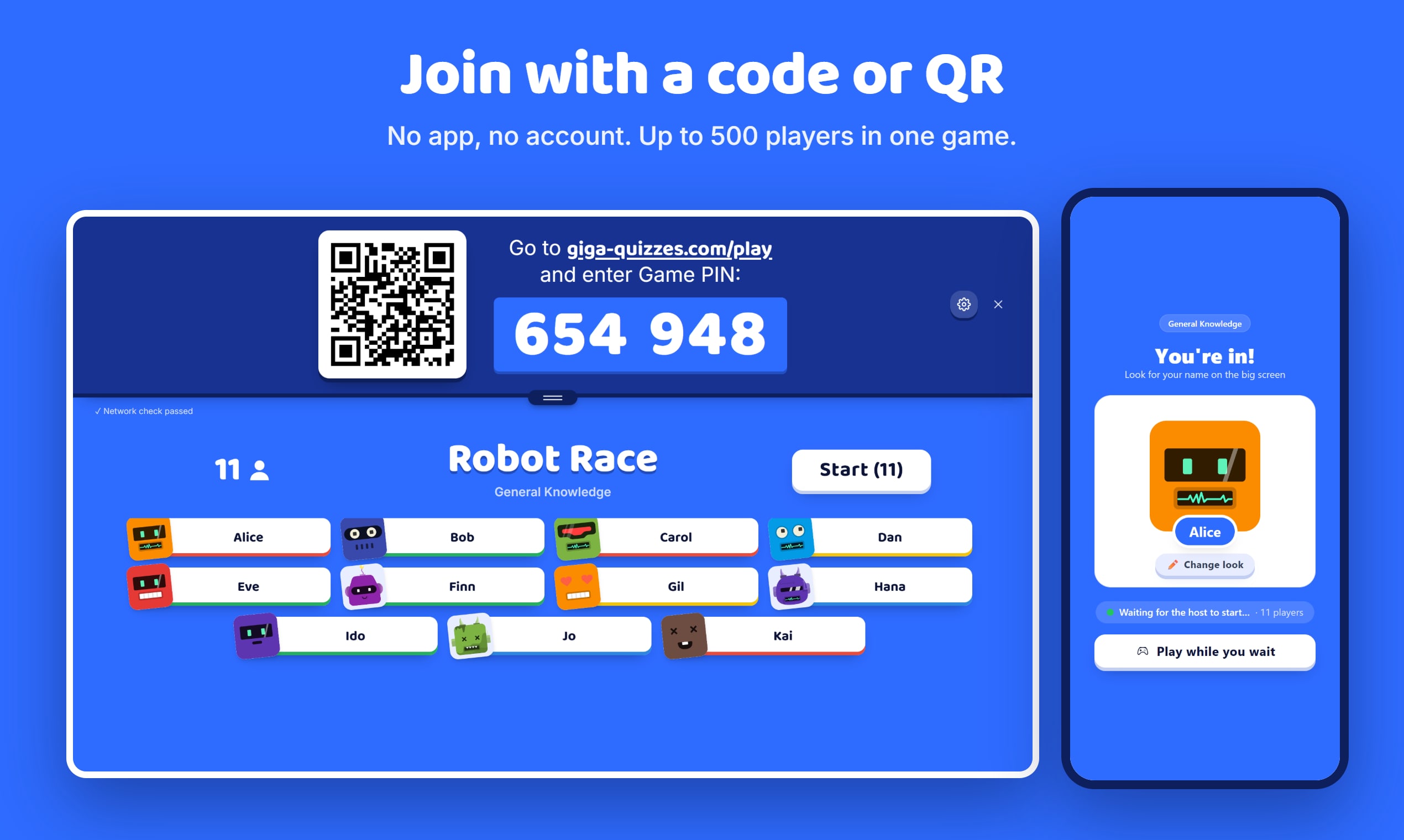
The game runs in the host’s browser, which connects to each player over a WebRTC DataChannel — up to 500 players in a single game. Players join with a room code or by scanning a QR code shown on the host’s screen — no app to install. The host sees a live leaderboard throughout, and the game ends with an animated podium and confetti for the top scorers.
Every connection is encrypted end-to-end between the host’s device and the player’s. What is stored with us is separate: your account, your quizzes, your images, and the report of each game you host.
Reports
Every hosted game can be saved as a report. The Reports list shows a card per game: the quiz title, whether it finished or was stopped early, the date and time, the mode (Classic/Hacker, plus Teams if enabled), how many played, an optional “who played” label, and a favorite star.
Opening a report shows:
- The overall percentage of all answers that were correct
- A full player ranking with each player’s score and personal correct percentage
- The correct-answer percentage for every question
- For choice questions, a per-answer-option breakdown — the percentage and number of players who picked each option, with the correct one highlighted
A report saves automatically if a game is stopped mid-way, or can be saved manually — with an optional label — from the finish screen. The last 100 reports are kept; favorited reports are protected from deletion, and if every saved report is favorited, the oldest one is dropped anyway so a new report can always be saved.
Discover
Discover is a public library of quizzes submitted by other users. A quiz can be imported in full into your own library, or you can pick individual questions out of it while building a set — either way, the original creator is credited.
Sharing & transferring
Any set can be sent directly to another account via a share link. Recipients get an accept/decline inbox; an accepted set is play-only for the recipient — they can host or delete it, but not edit it.
Library management
Your library holds up to 100 sets, each up to 100 questions. Every set has a menu of quick actions:
- Play solo — try the quiz yourself, single-player
- Send to someone — share it directly to another account
- Export to PDF
- Duplicate
- Submit to Discover
- Per-set settings (text direction, game mode)
Personal defaults & account
The account Settings page lets you set personal defaults so you don’t have to re-configure every quiz and game: default time per question and points per question for new quizzes, and default values for every game-start toggle (randomize questions, allow mini-games, host can also answer, delayed reveal, auto-advance) that pre-fill each new hosted game. It also holds the site language (auto-translated, English is the source) and a privacy toggle for who can send you shared sets.
Players need no account at all — a room code and a nickname is the whole of it. Creating and hosting your own sets needs a free account (Google or Microsoft sign-in), which also syncs your library across devices and unlocks AI quiz generation.
Try it now
There is no trial and no paywall — open your library to build a quiz, or join a live game with a room code.