Running a Quiz at a Conference or Large Event
A live quiz can wake up a conference hall or rescue the slot after lunch. Where it fits in the programme, why polls steal the show, and a ten-minute run sheet.
 By the Giga Quizzes team4 min read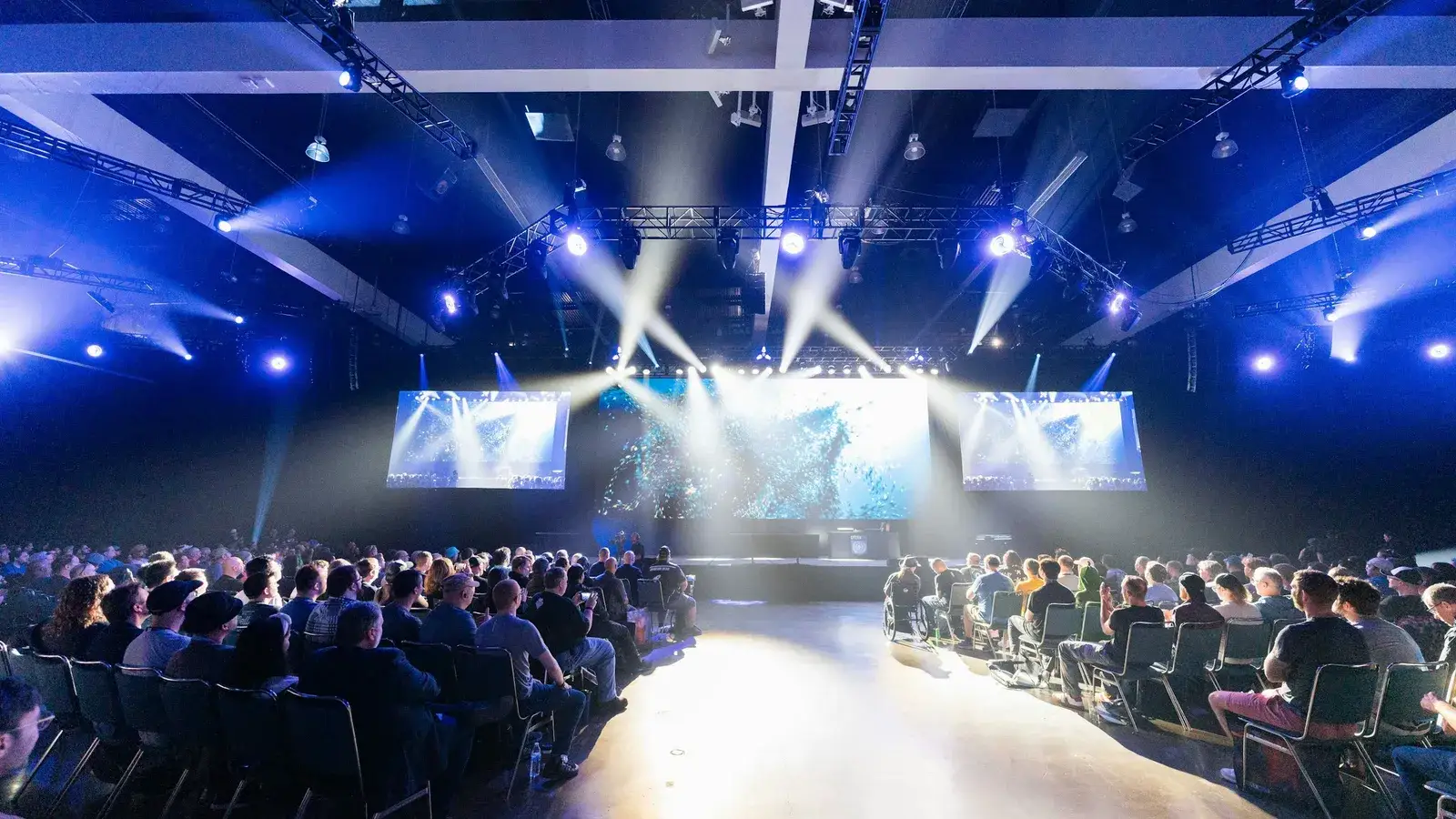
In this post
Conferences and company events are full of moments that need lifting: the first session of the morning, the slot after lunch, the close before everyone heads for the drinks. A live quiz played on everyone’s phone is one of the quickest ways to turn a room of polite strangers into an audience that is laughing, arguing and paying attention. It also scales better than almost anything else. The bigger the room, the better it gets, especially once you discover what polls do to a crowd.
Where a quiz fits in the programme
| Slot | What works | Length |
|---|---|---|
| Opening | Two or three polls: where people came from, what they hope to get out of the day | 5 minutes |
| After lunch | A fast, funny quiz in teams | 10 minutes |
| Inside a talk | One poll or concept question the speaker reacts to | 2 minutes |
| Closing | A recap quiz on the day, and a word cloud | 10 minutes |
The after-lunch slot is the classic. Energy in a conference hall drops sharply once people have eaten, and ten minutes of competition does more for the next speaker than another coffee.
Getting a big room playing in a minute
At an event nobody will install an app or create an account for a ten-minute game, and they do not need to. Players go to giga-quizzes.com/play and type the room code, or scan the QR code on the main screen. Up to 500 people can join one game.
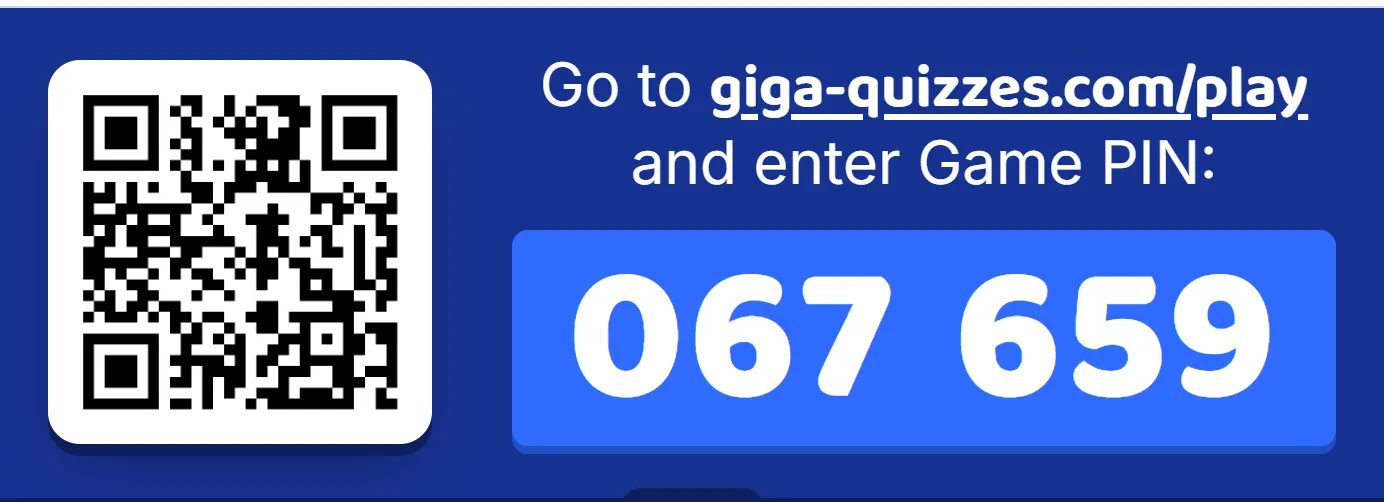
Put the lobby on screen while people are arriving, with the QR code large and central; the edges of a projected image are often cut off. Each nickname appears as its owner joins, which is entertaining in itself with hundreds of people. When the count stops climbing, start.
In a big room, polls steal the show
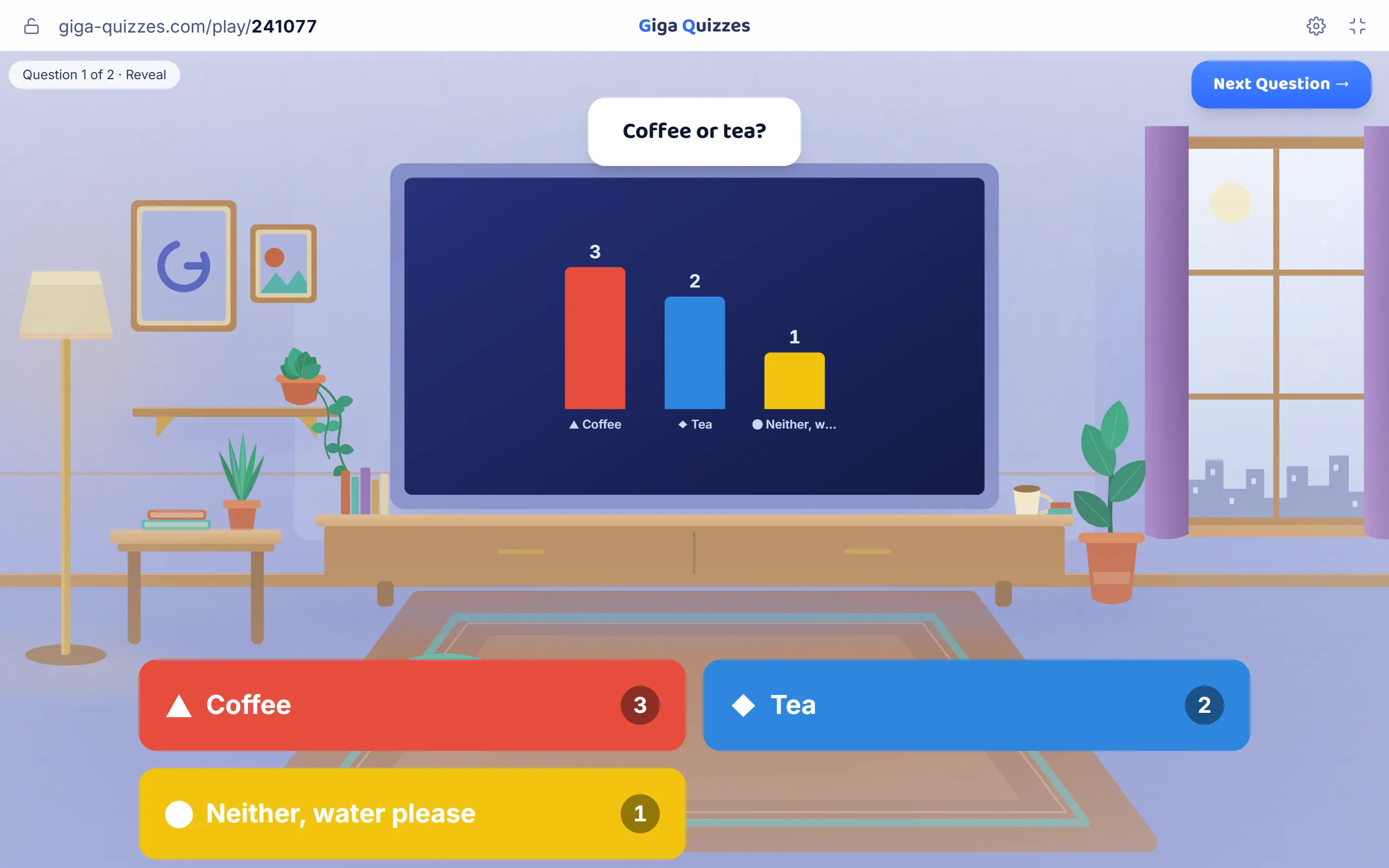
Quiz questions are fun, but in a large room the real stars are polls: questions with no right answer, where everyone picks one and the results appear as a chart. When five hundred people answer at once, the result is a genuine snapshot of the room, and watching it build is surprisingly exciting. Nobody can be wrong, so nobody holds back.
Polls for different events
- Company kick-off: “Which of this year’s goals are you most excited about?”
- Academic conference: “Which session are you going to after lunch?”
- Industry event: “What is the biggest challenge in our field right now?”
- Any event: “Coffee or tea?” The room will cheer for its side.
Polls also hand the speaker material. “Forty per cent of you think this is the biggest challenge. Let us talk about that” turns a talk into a conversation with the room.
The word cloud
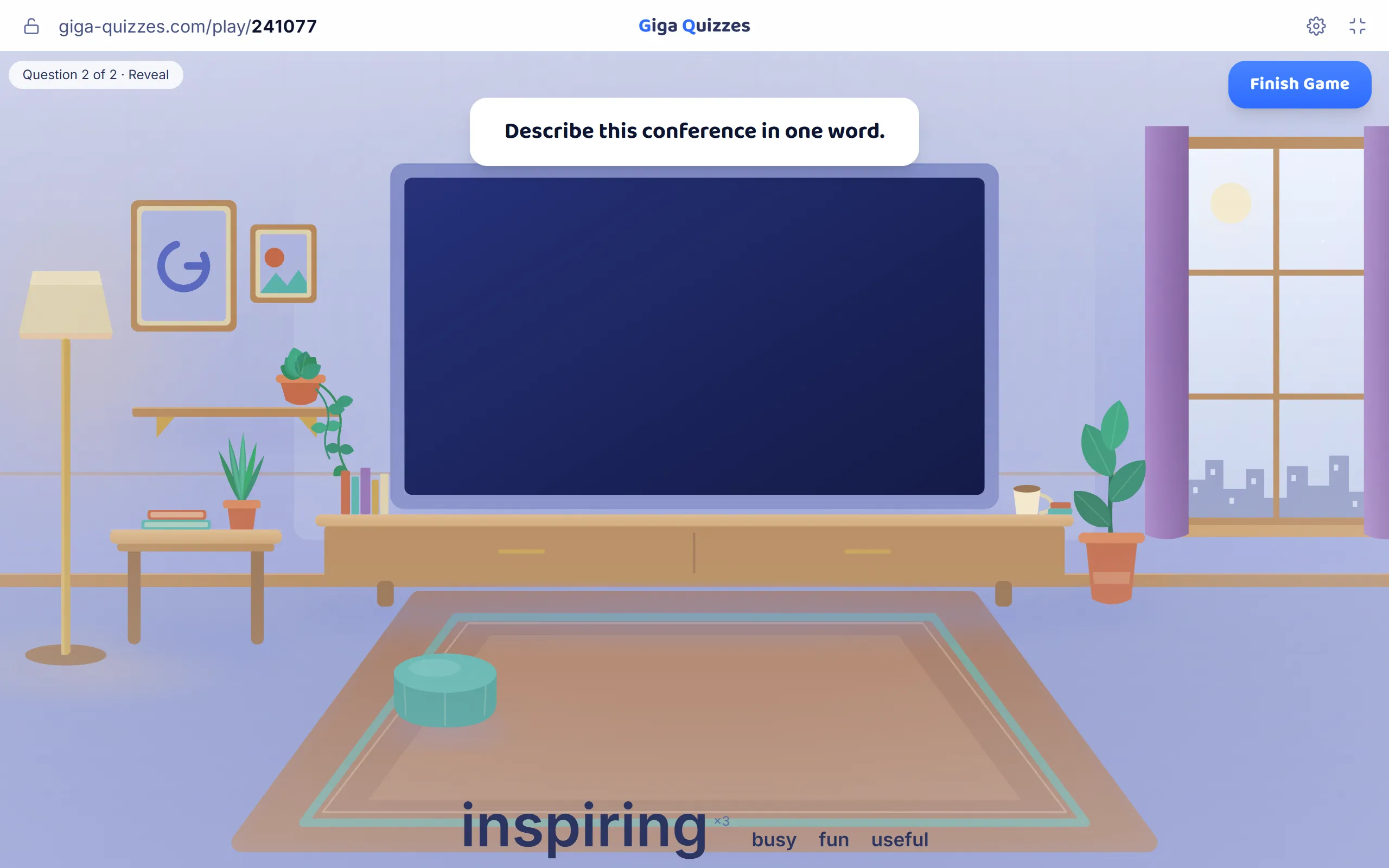
Let people type their answer instead of picking one, and the screen turns the answers into a word cloud where the words given most often are the biggest. “Describe this conference in one word” at the closing session is one of the most photographed screens of any event, and it ends up in the recap email.
Teams by table or department
Events are about connecting people, and teams do that. Name them after the tables, departments, offices or regions, and let everyone pick their team as they join. Every guest still plays on their own phone, with their points going into the team’s pot, and the leaderboard after each question ranks the teams, which gets loud quickly when marketing is three points behind sales.
Keep the teams to six at most, so the leaderboard stays readable from the back of the room.
What to ask
Ten questions in about ten minutes is right for most events. A good mix:
- Questions about the organisation, its history and its people, which everyone can have a go at.
- Questions about the host city or the venue.
- A picture question: a local landmark that uncovers itself tile by tile.
- Two or three polls spread through the game.
- One silly question at the end, so the game finishes on a laugh.
Avoid questions that only one team could know, anything that might embarrass someone in front of colleagues, and in-jokes that leave half the room out.
A ten-minute run sheet
- The day before: run the quiz once on the venue screen, from the laptop you will use, on the venue’s network.
- Ten minutes before: lobby on screen, QR code big, room code read out.
- Start when the count stops climbing, and lock the room once everyone is in.
- Read each question aloud as it appears; big rooms have people who cannot see the screen well.
- After the last question, raise the podium and hand over the prize while the applause lasts.
- Afterwards, export the final standings for the recap.
A few settings help at work events. In Giga Quizzes, keep Filter nicknames switched on so an offensive nickname is replaced before anyone sees it, and use the padlock in the top bar to close the room once everyone is in. The guide to playing in teams shows the team setup step by step.
Try it in Giga Quizzes
Free, in the browser, and nothing for your students to install. These guides show each step on the real screens.
New to Giga Quizzes?
Free live quizzes in the browser. Students join from any phone, with no app.
Make your first quiz →