Help centre
Guides for teachers
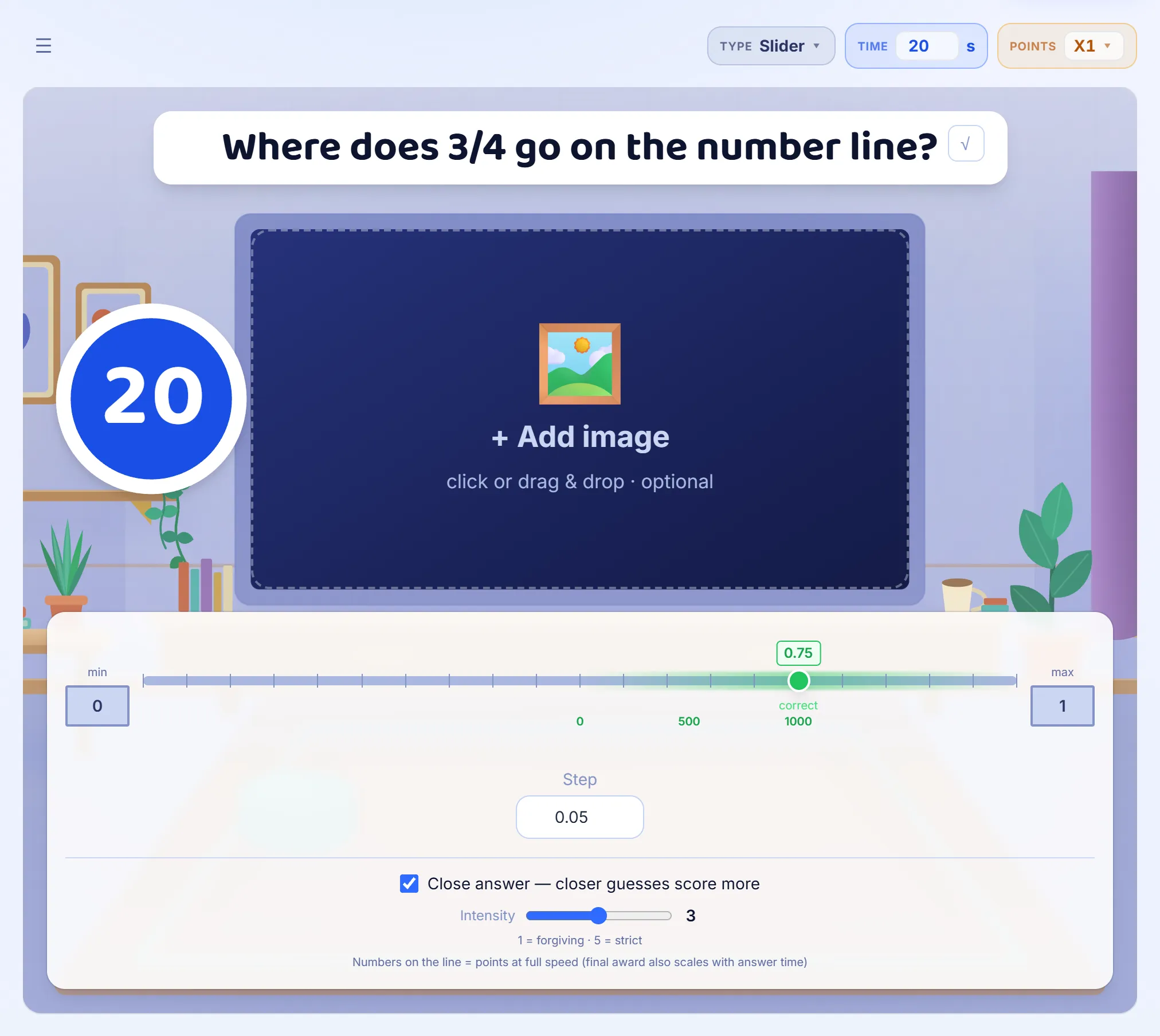
16 step-by-step guides, with pictures of the real screens.


New to Giga Quizzes?
Start here
These three, in this order.
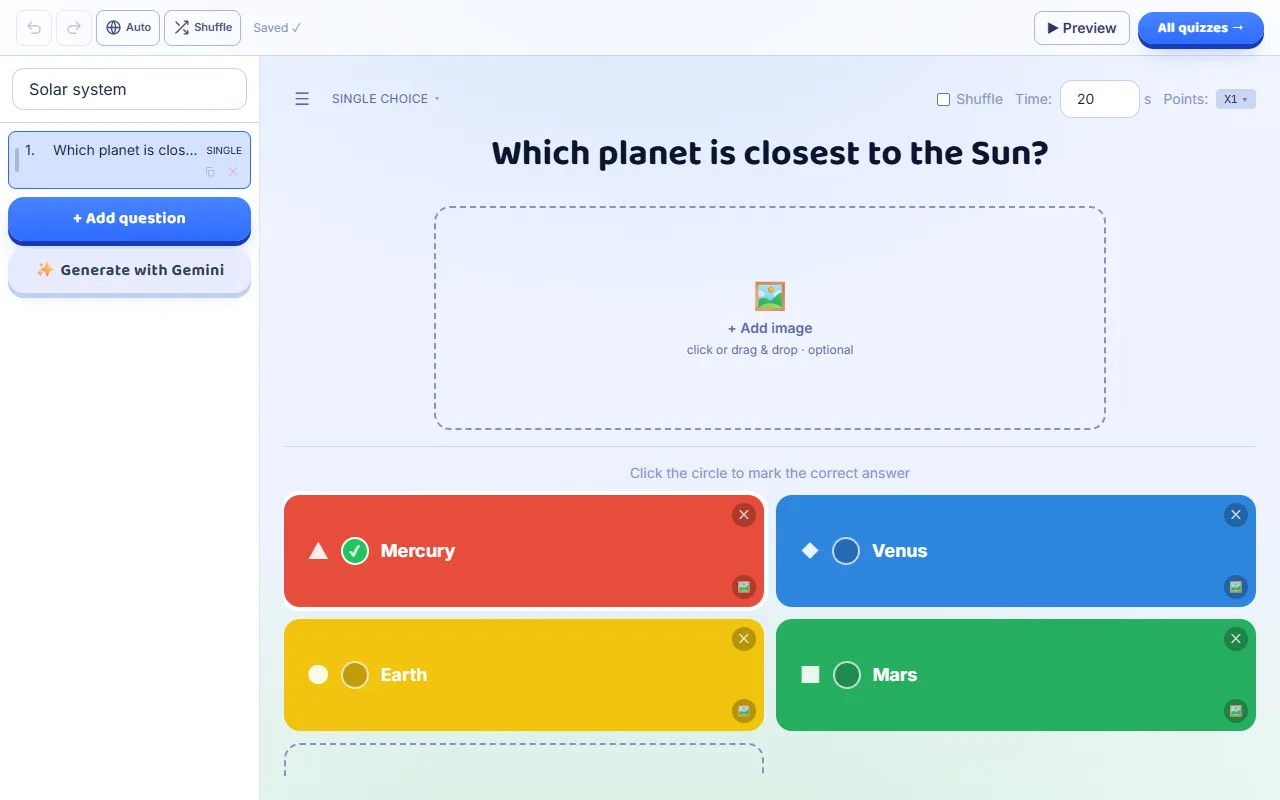
- Make your first quiz
A walkthrough that follows you through the real screens — it waits while you work and moves on once you have done each part.
8 steps · about 4 min
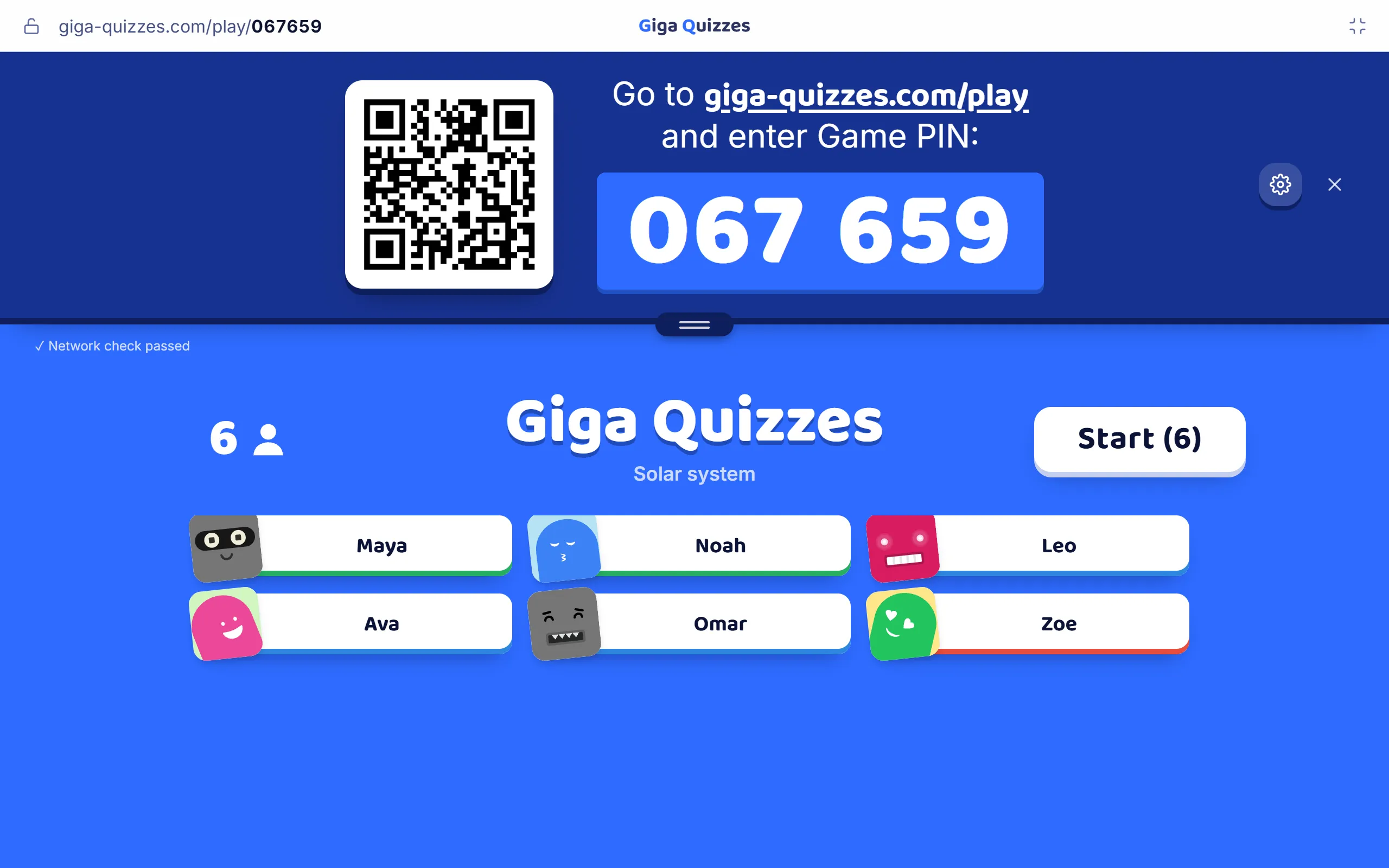
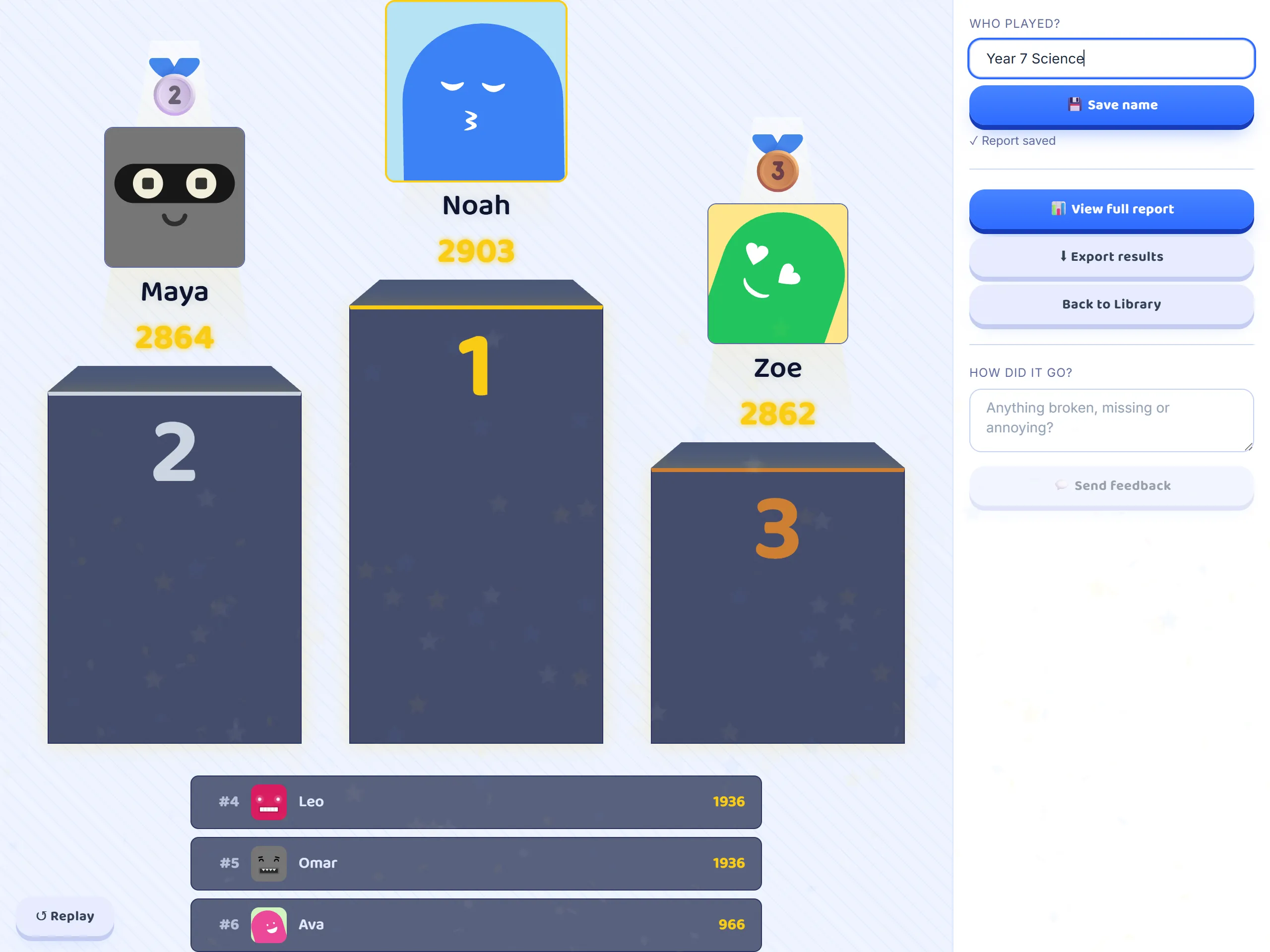
- Host it as a live game
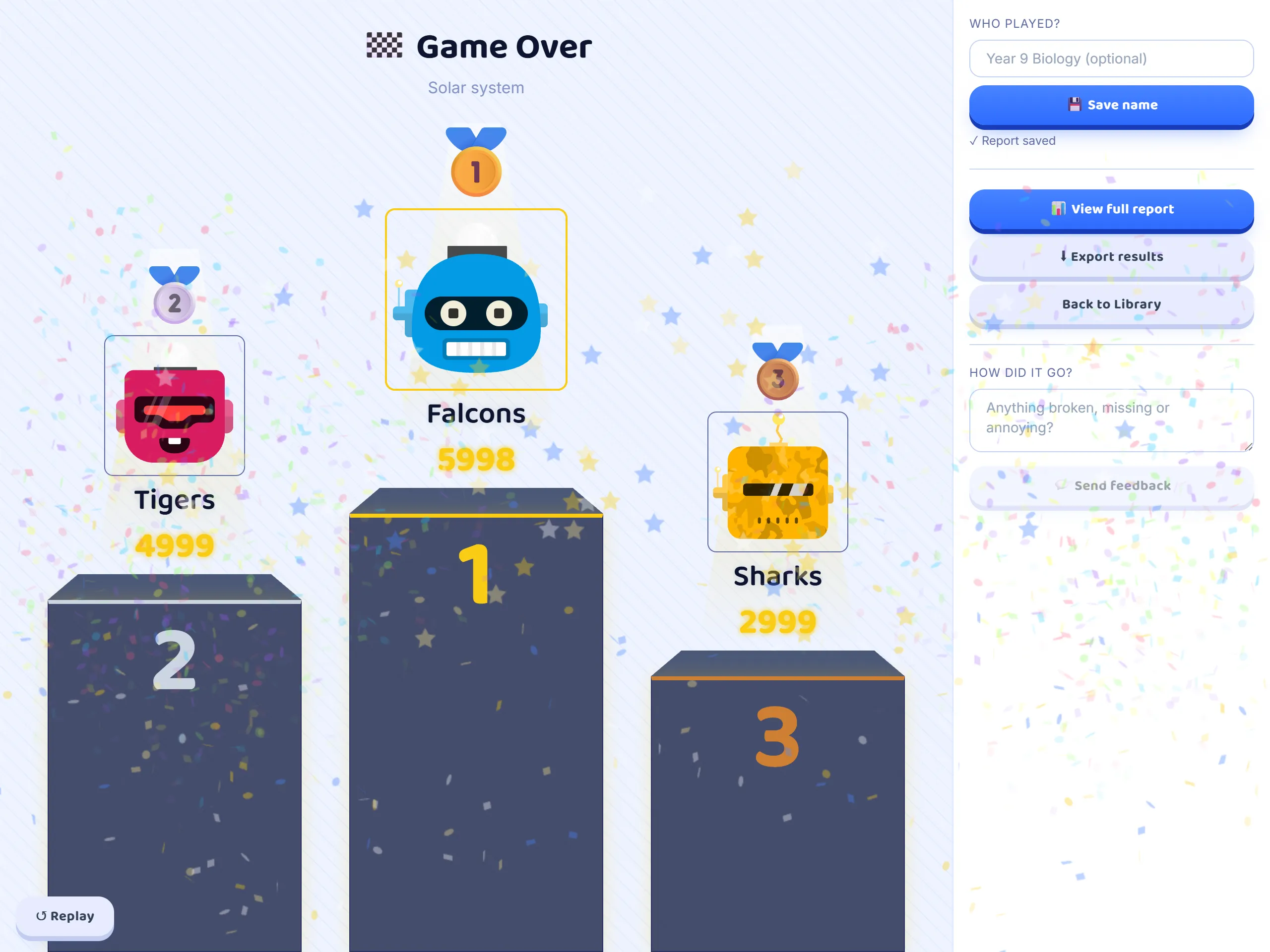
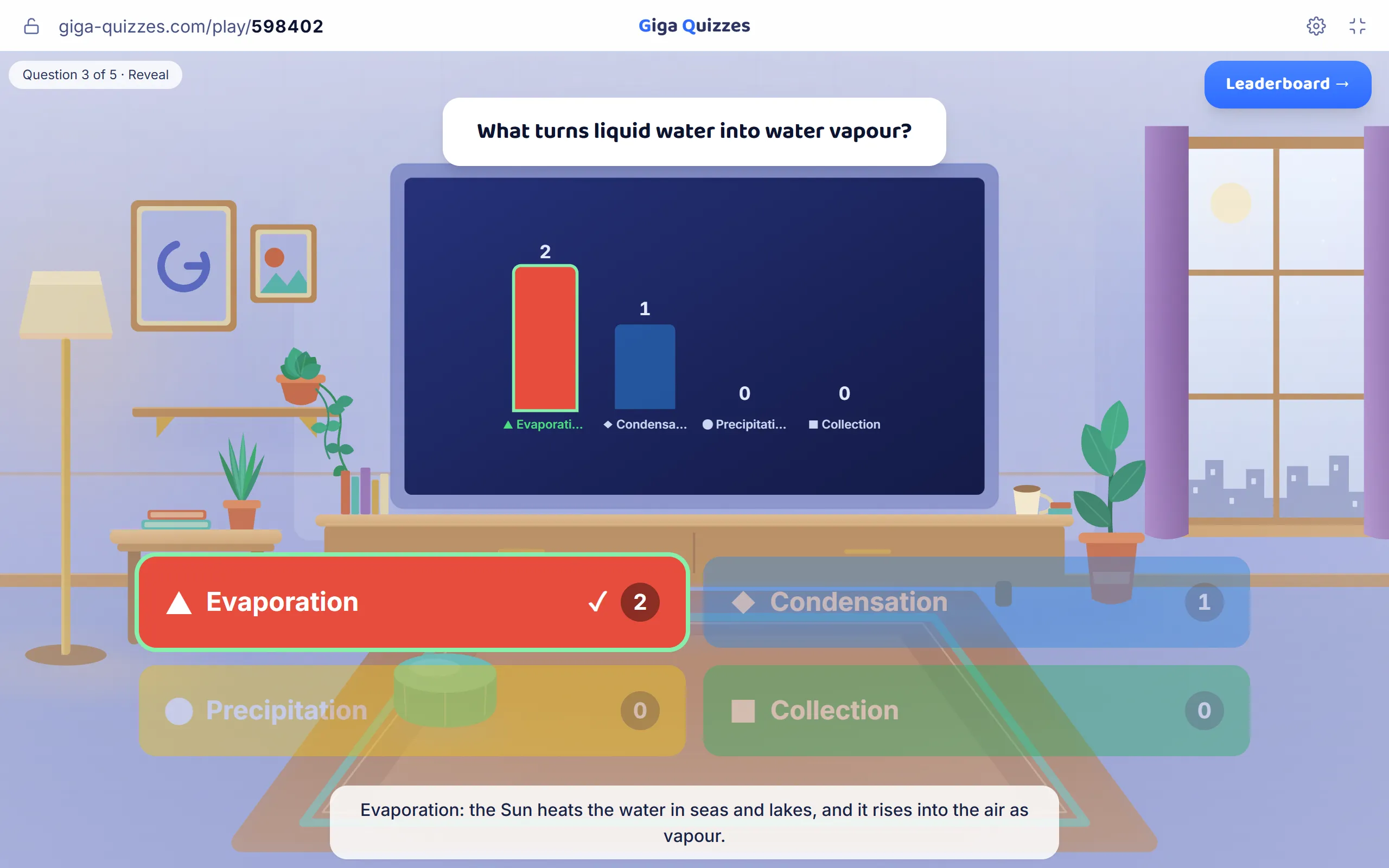
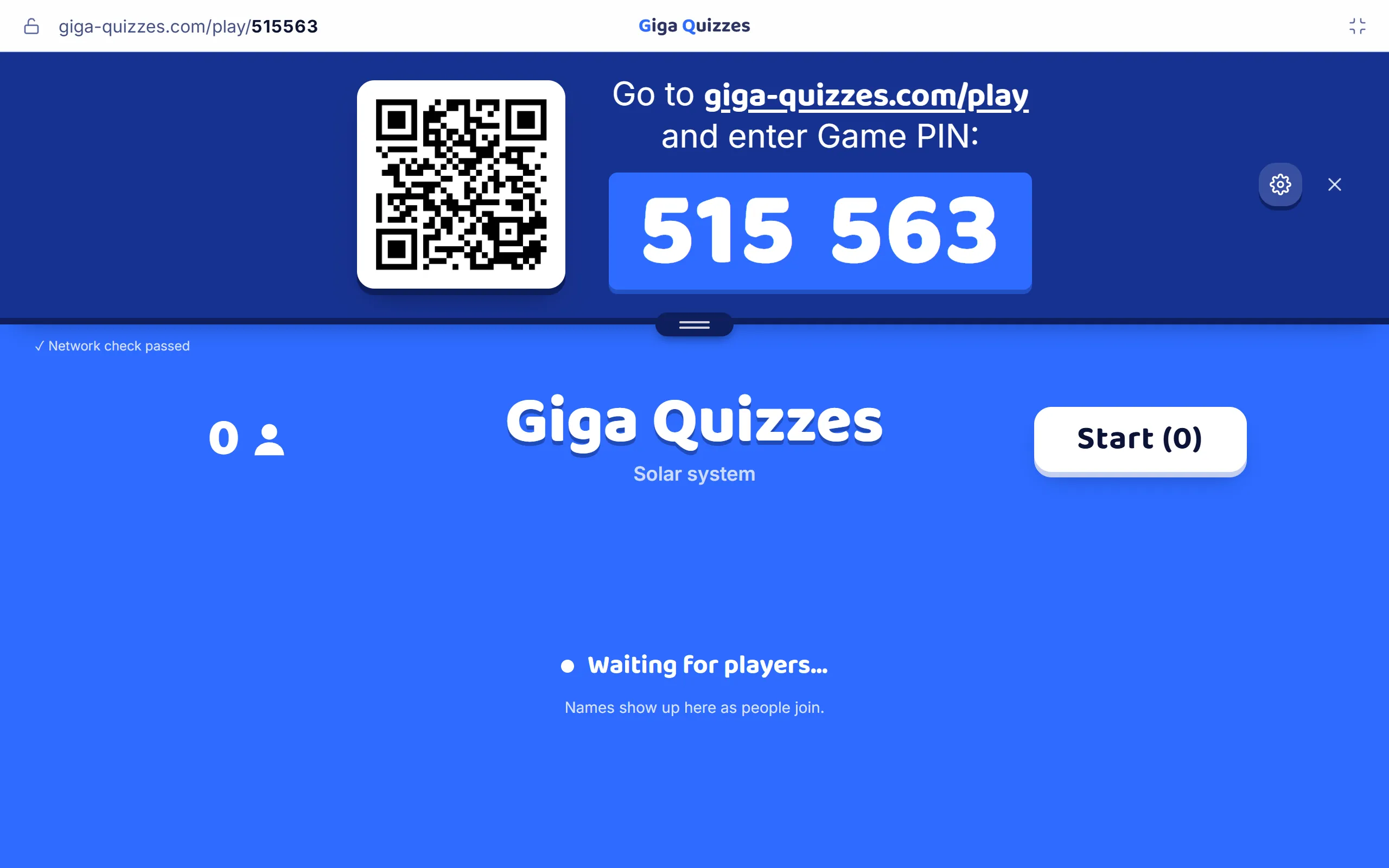
From a set in your Library to a room code on the big screen, then the questions, the leaderboard and the podium.
7 steps · about 3 min
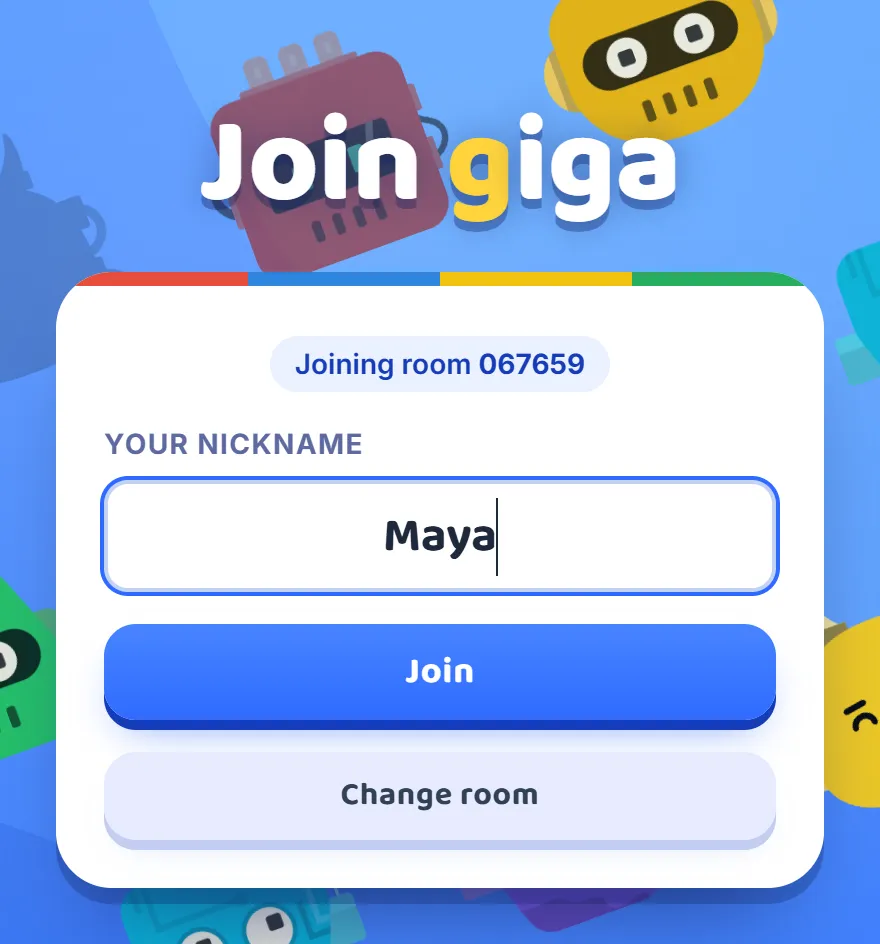
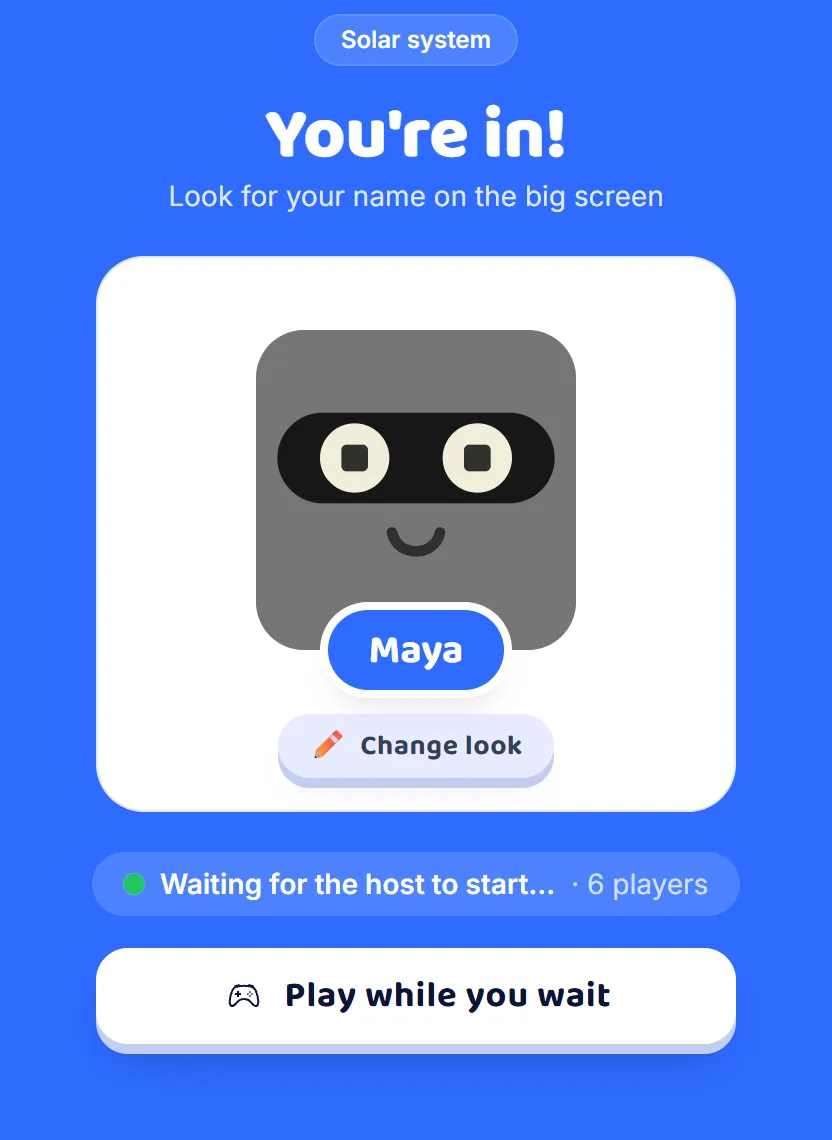
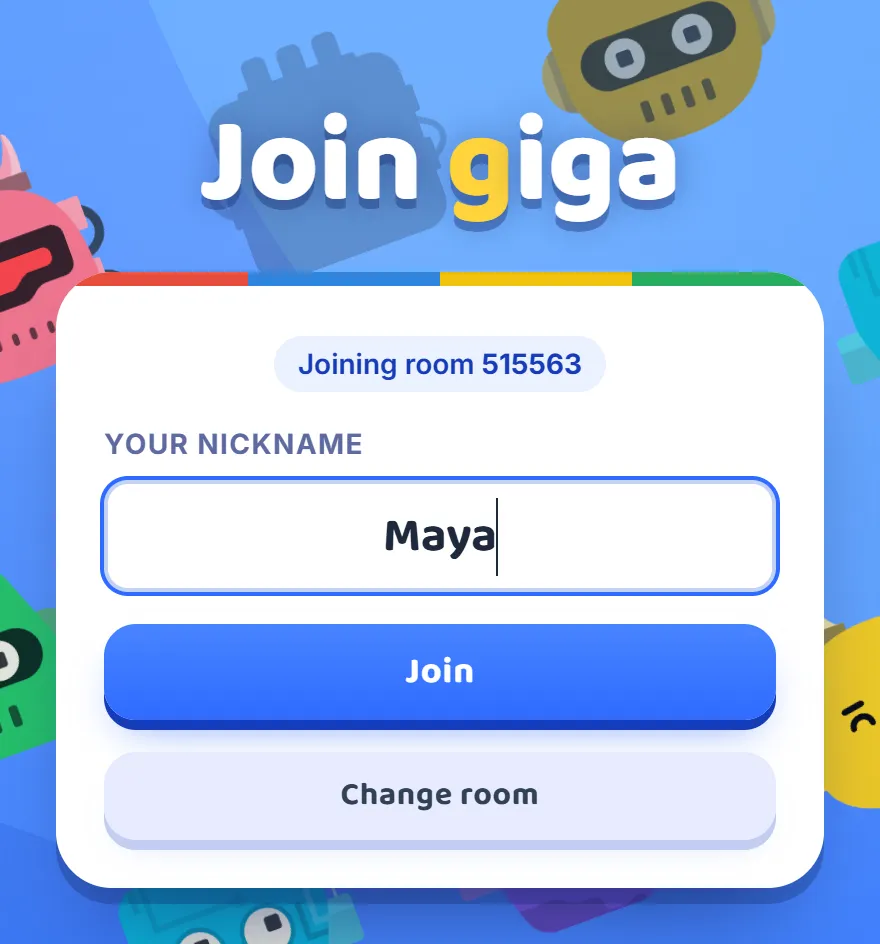
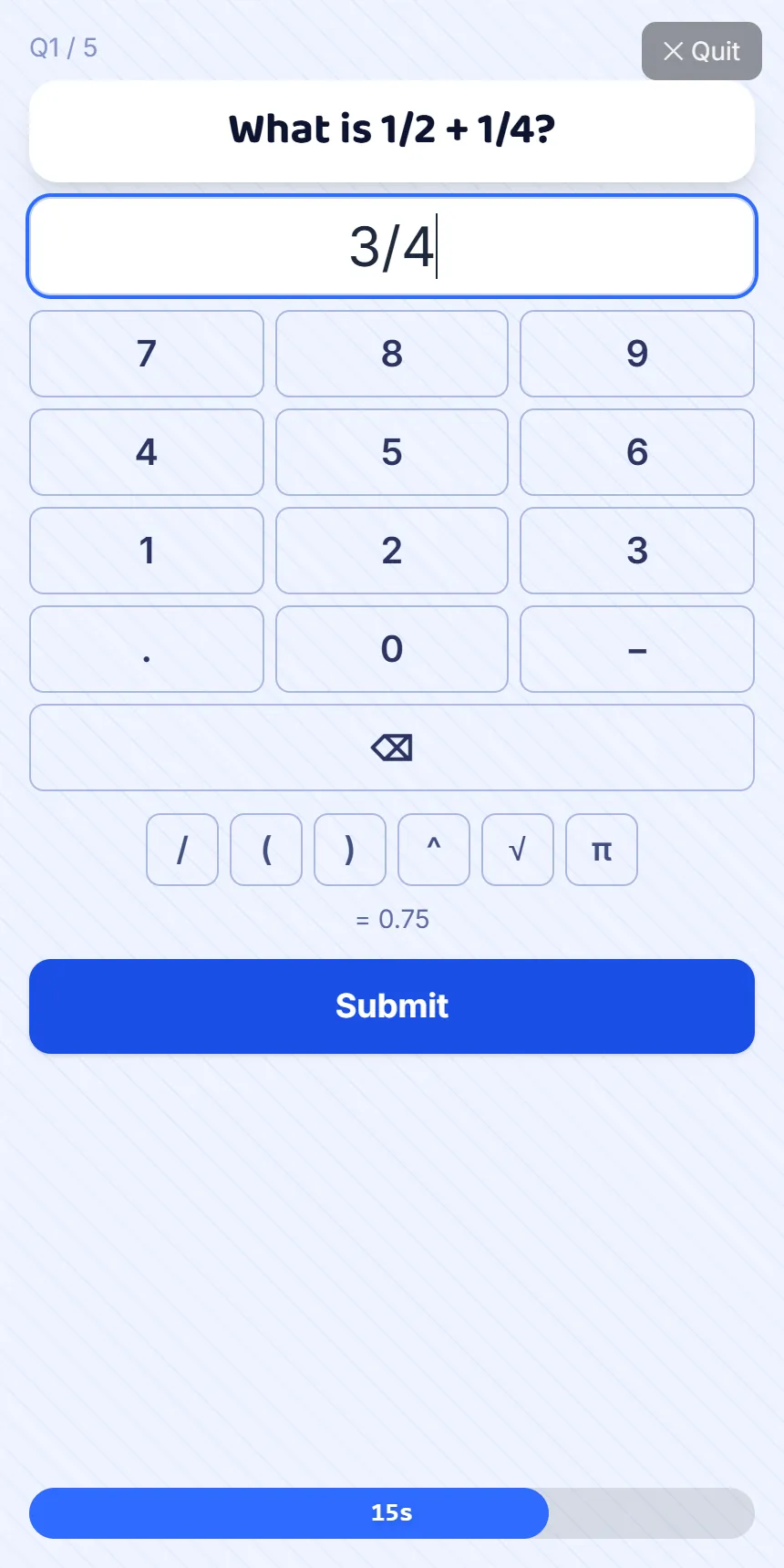
- See how your class joins
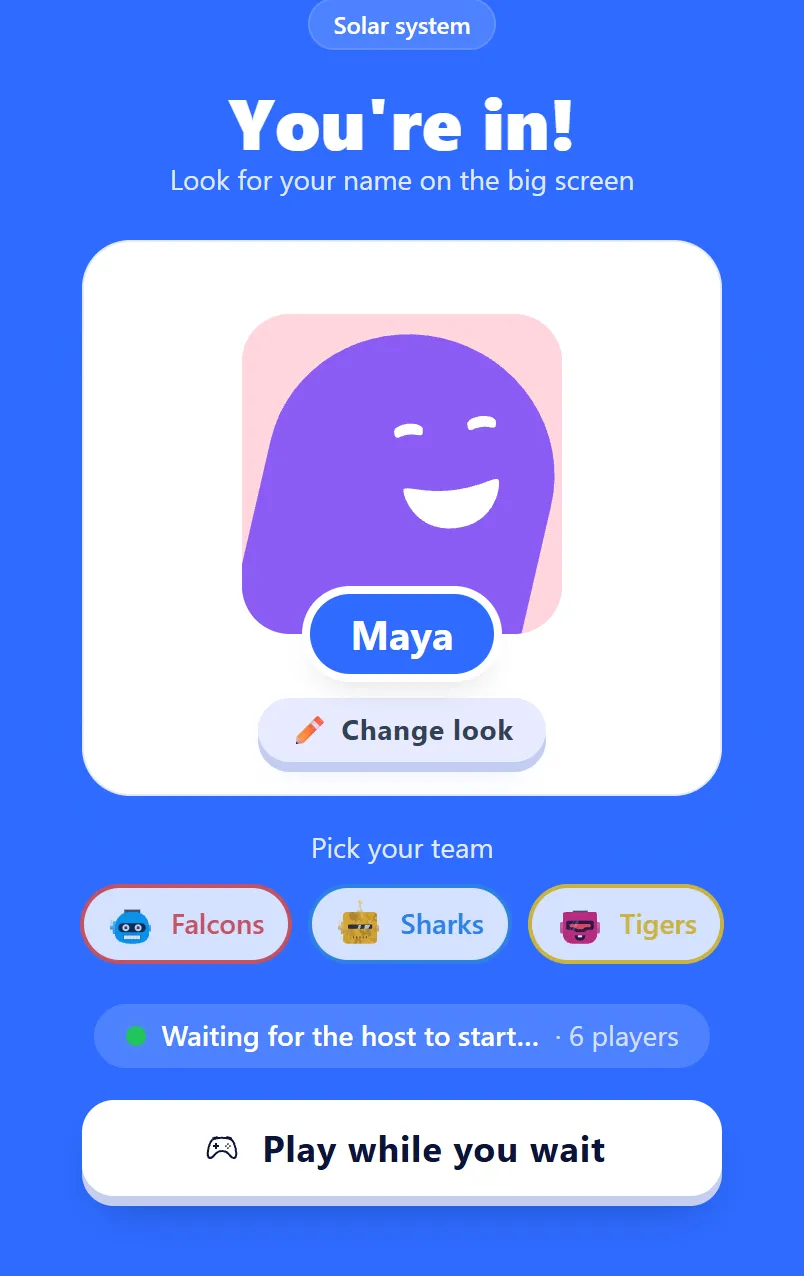
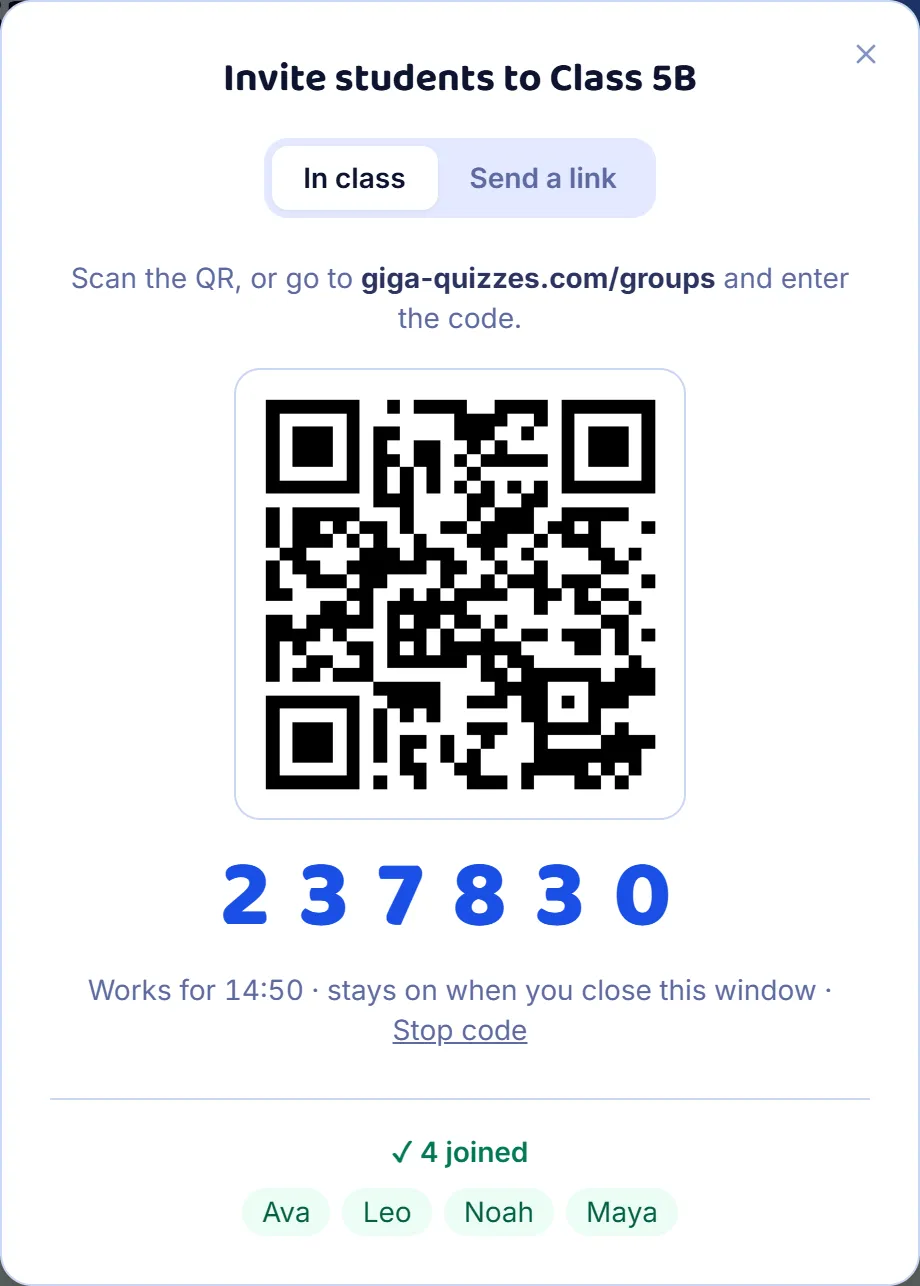
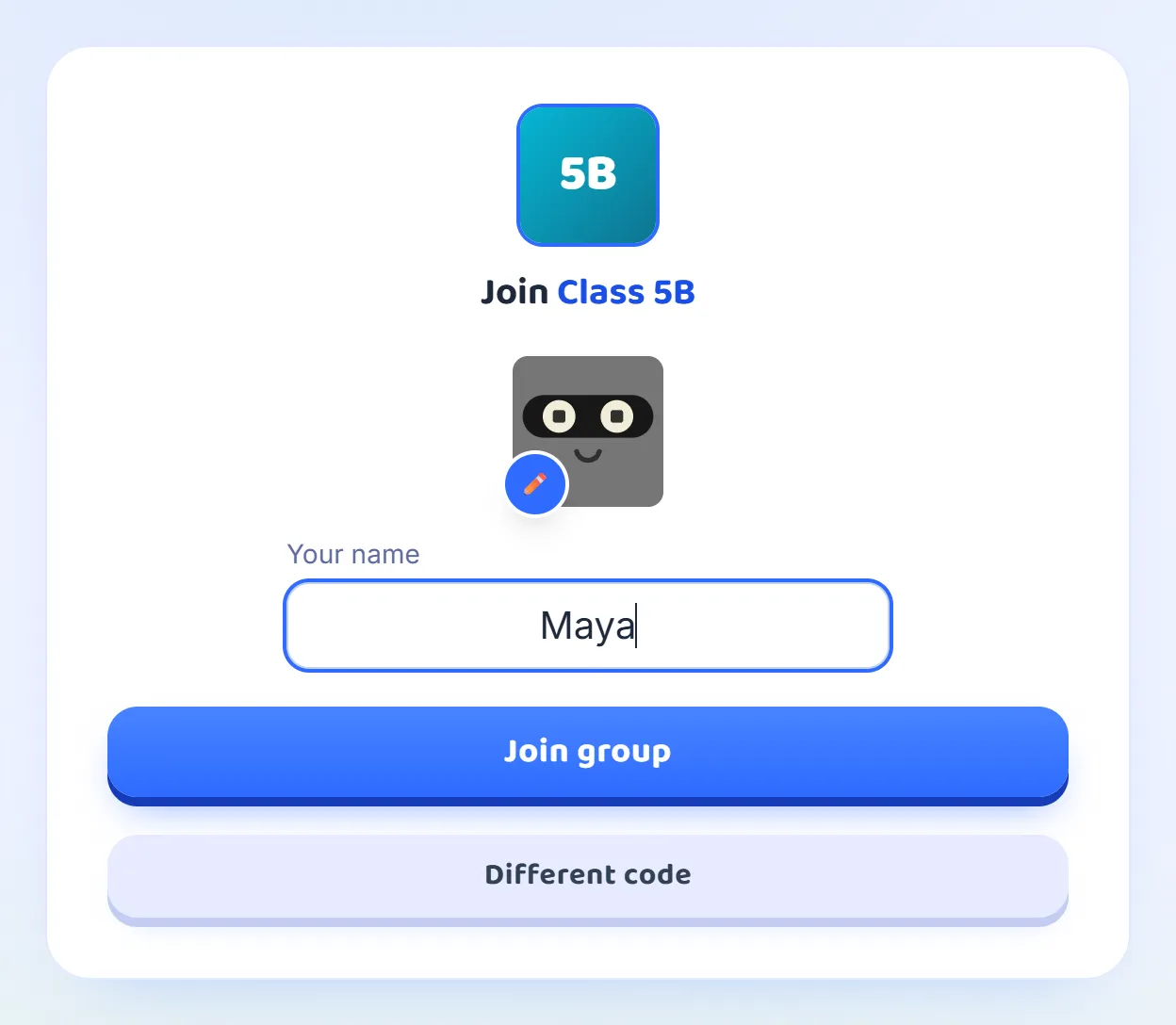
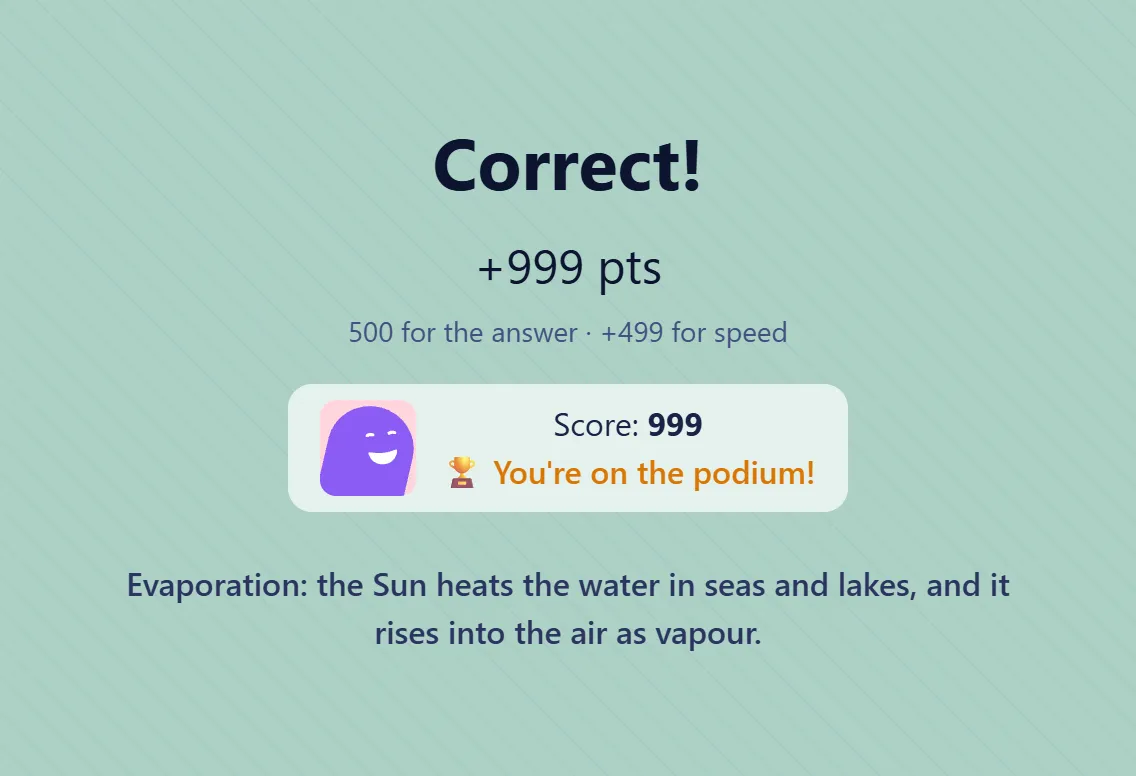
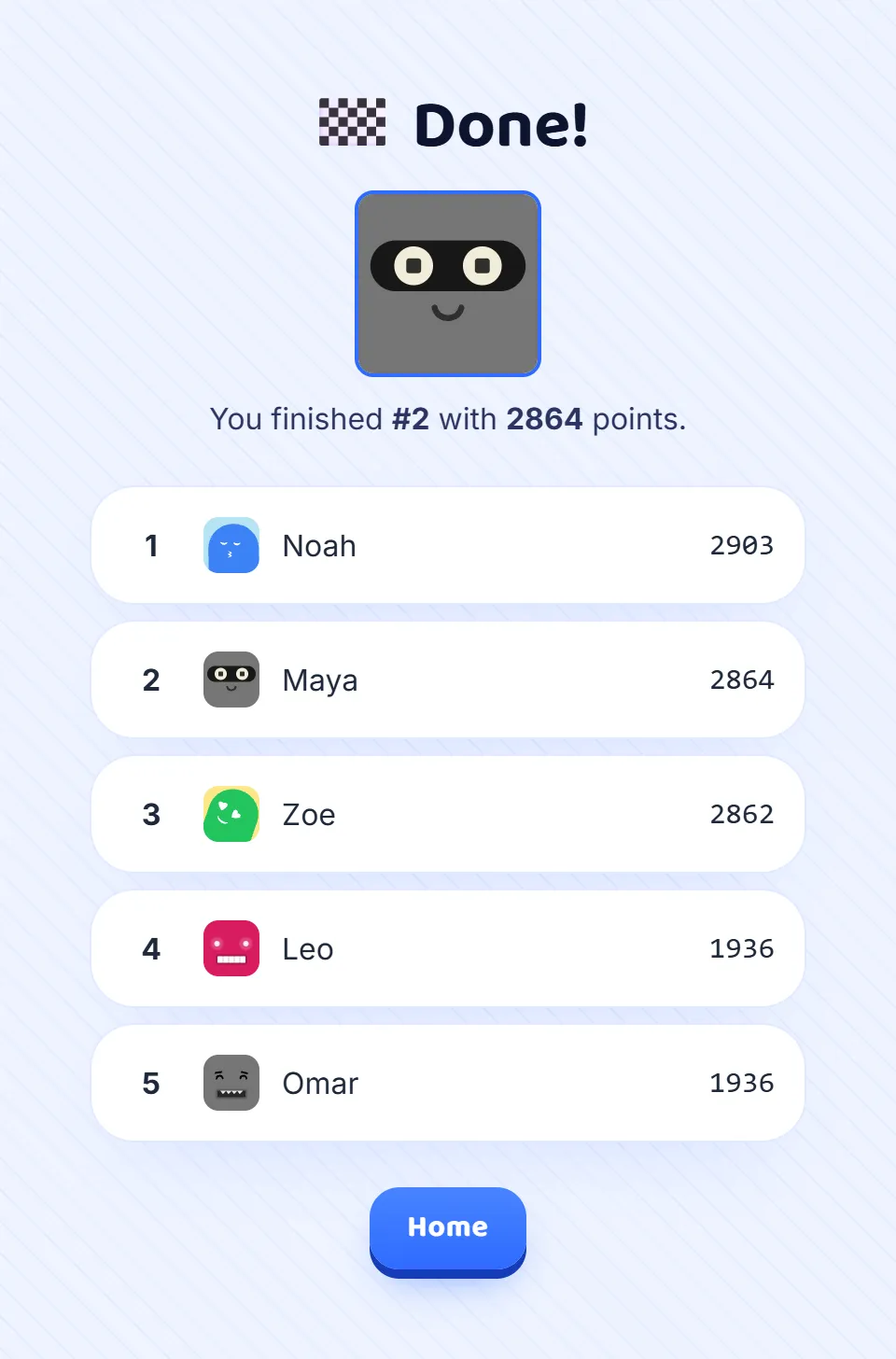
A room code and a nickname, and you are in: no account and no app. Every screen a player sees, from joining to the final results.
7 steps · about 2 min
After your first game
What to read next
Your Blooket sets, two more ways to play, and every kind of question.
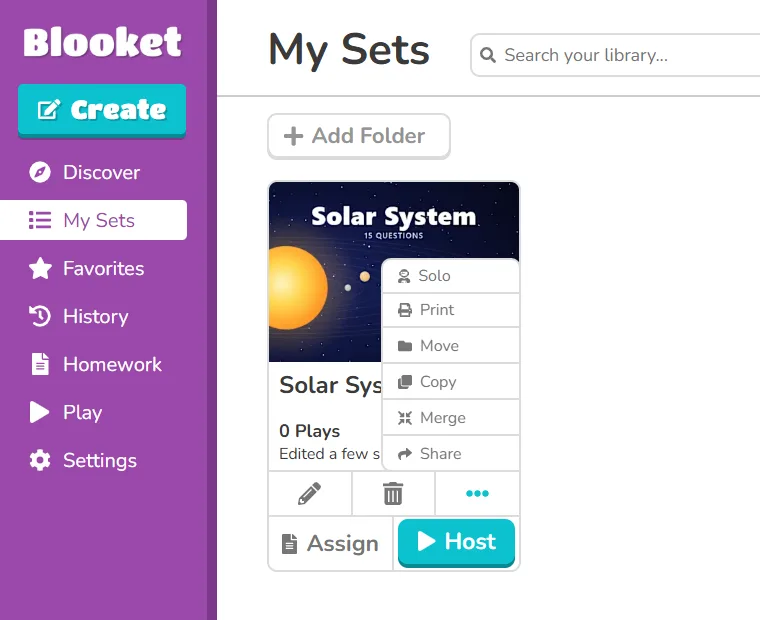
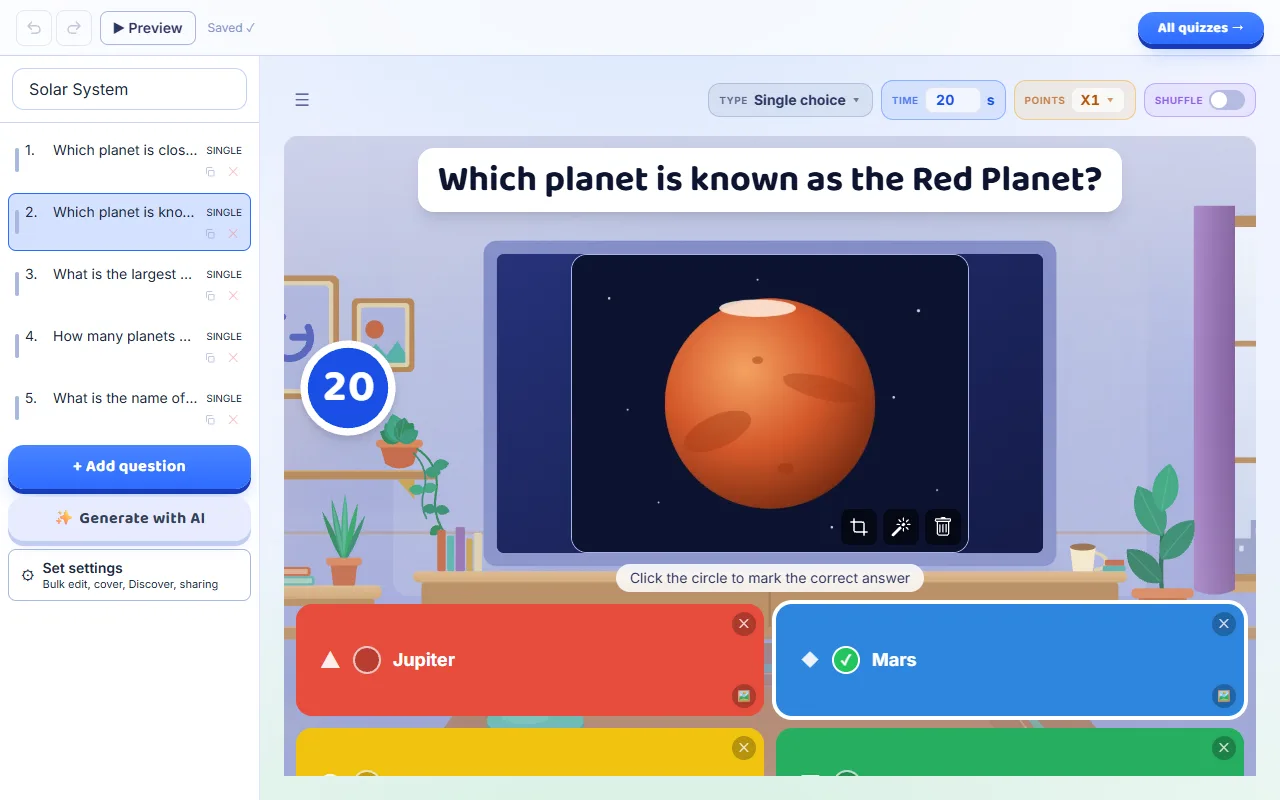
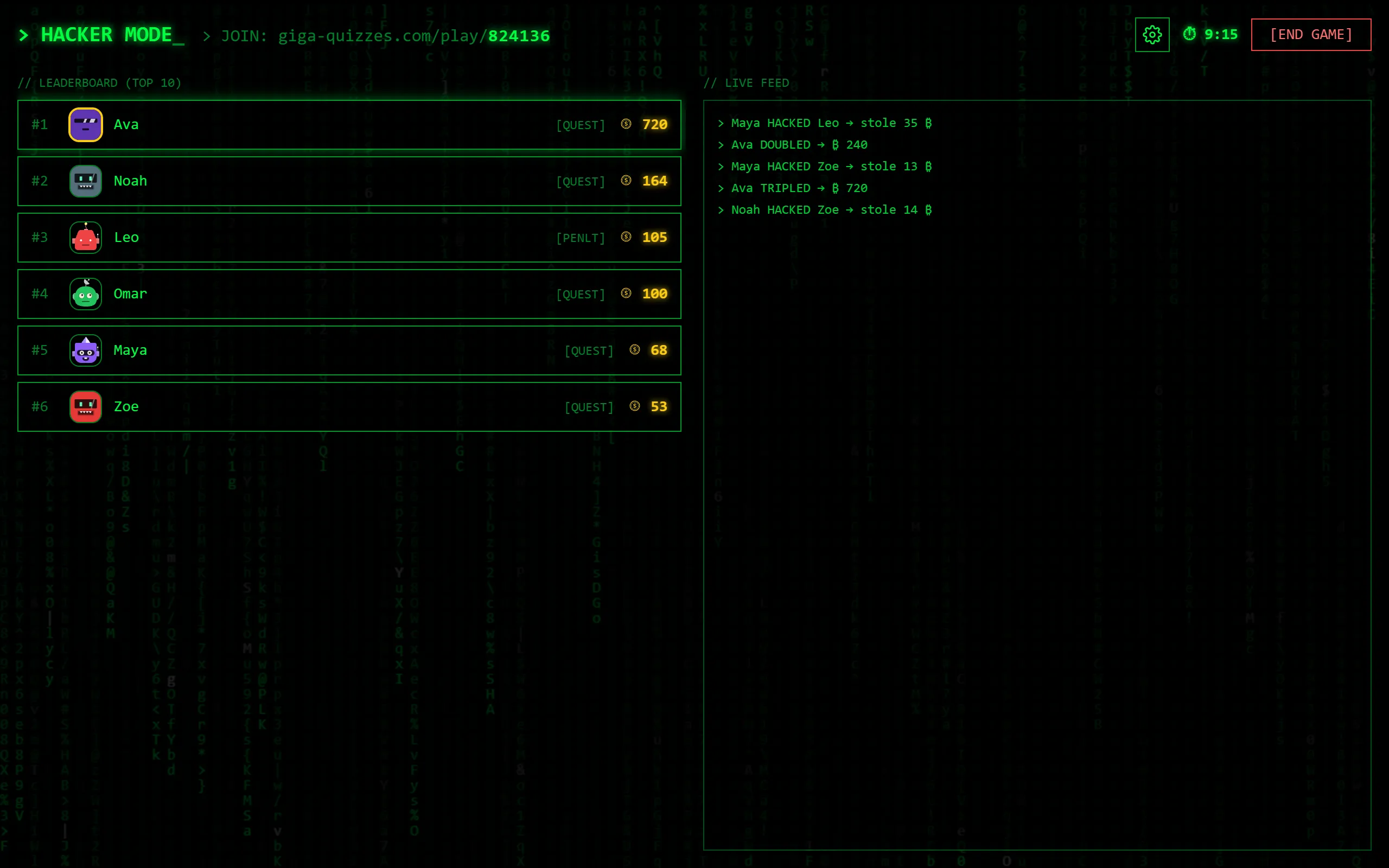
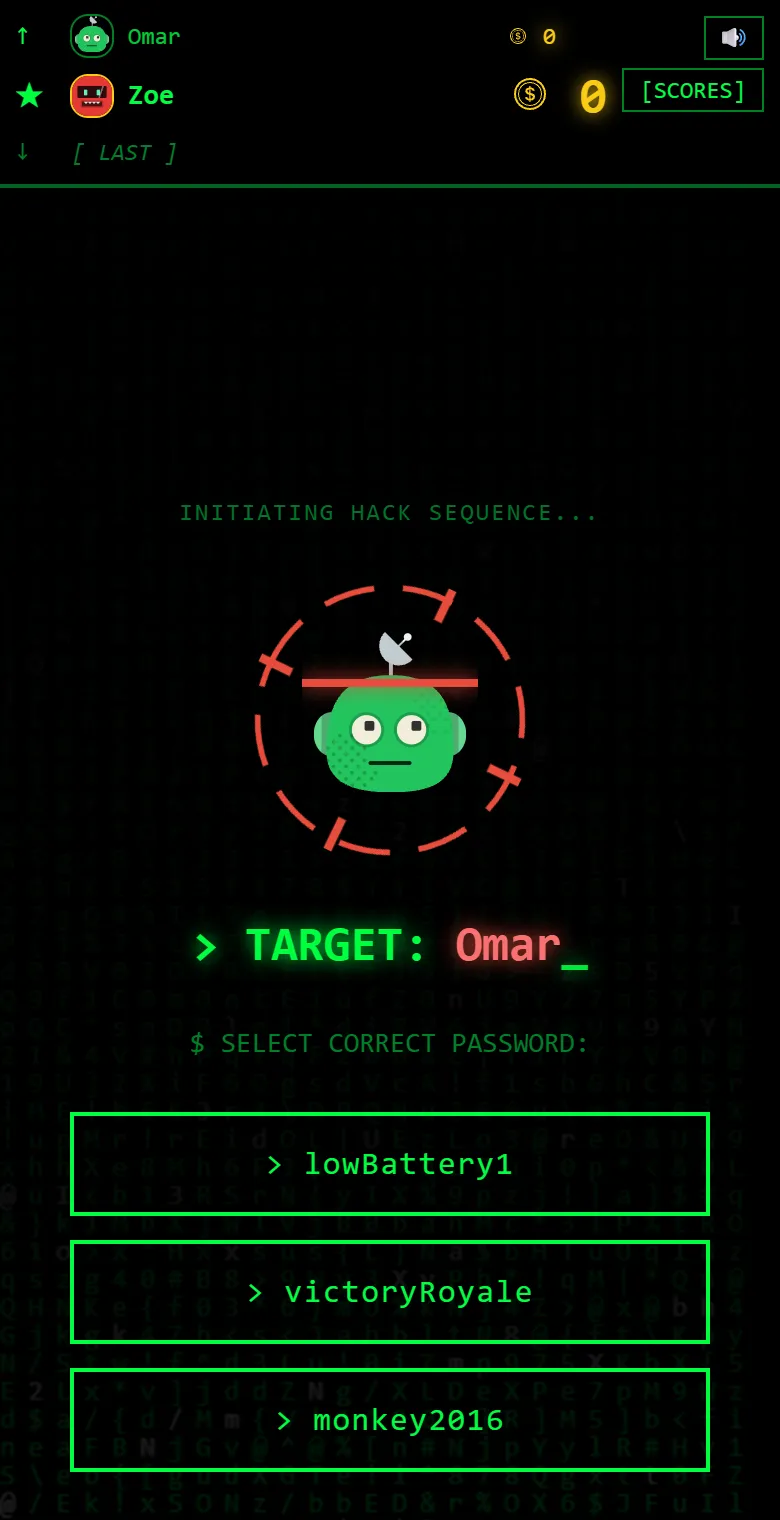
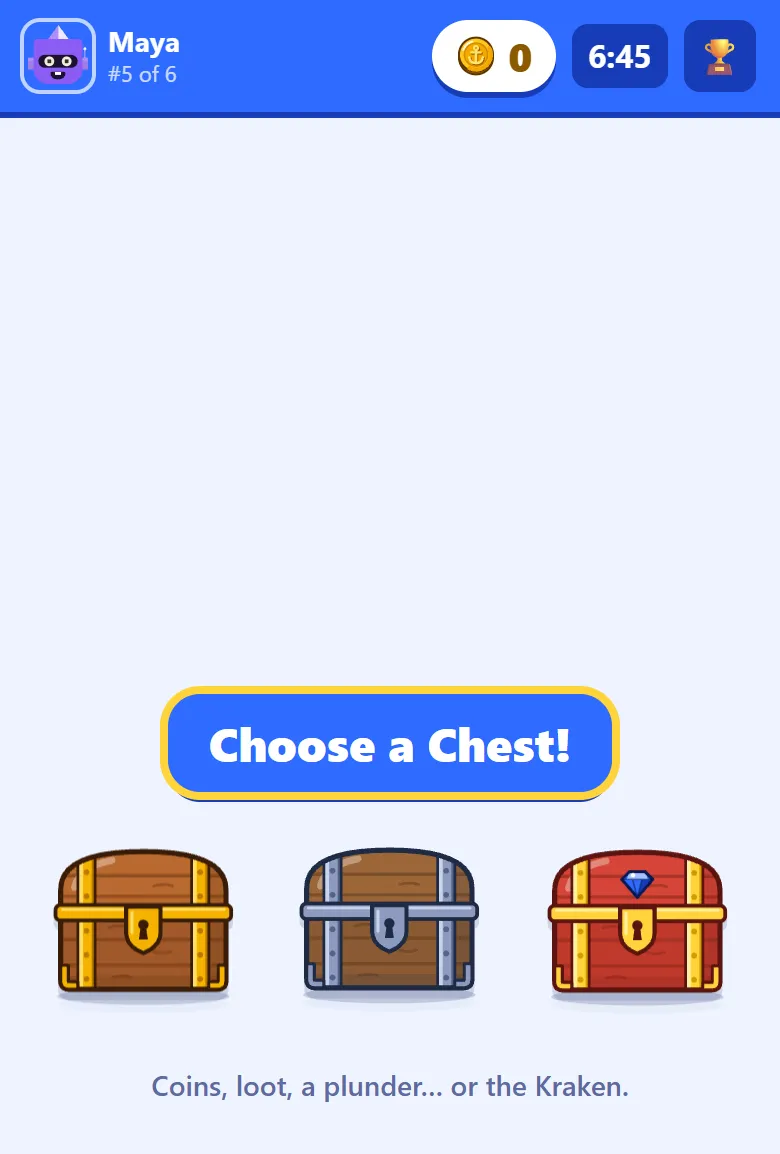
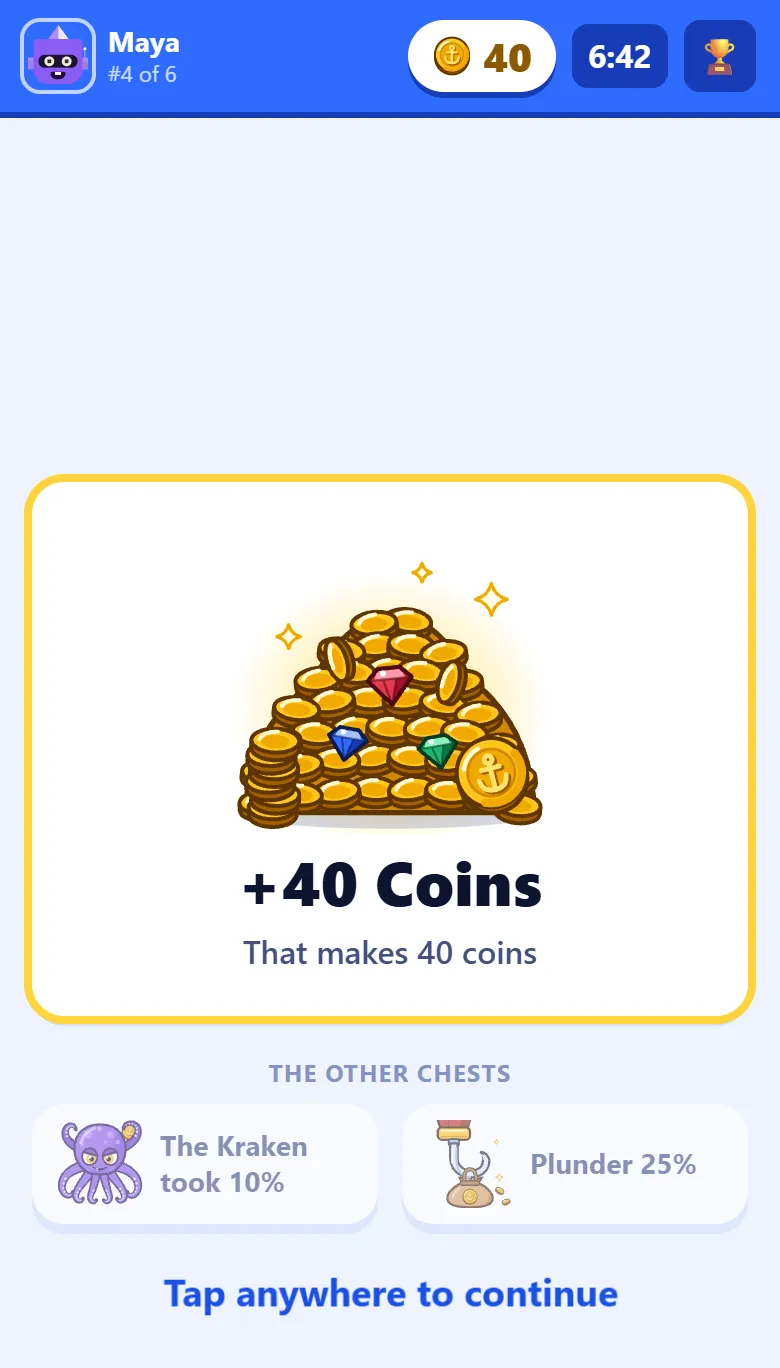
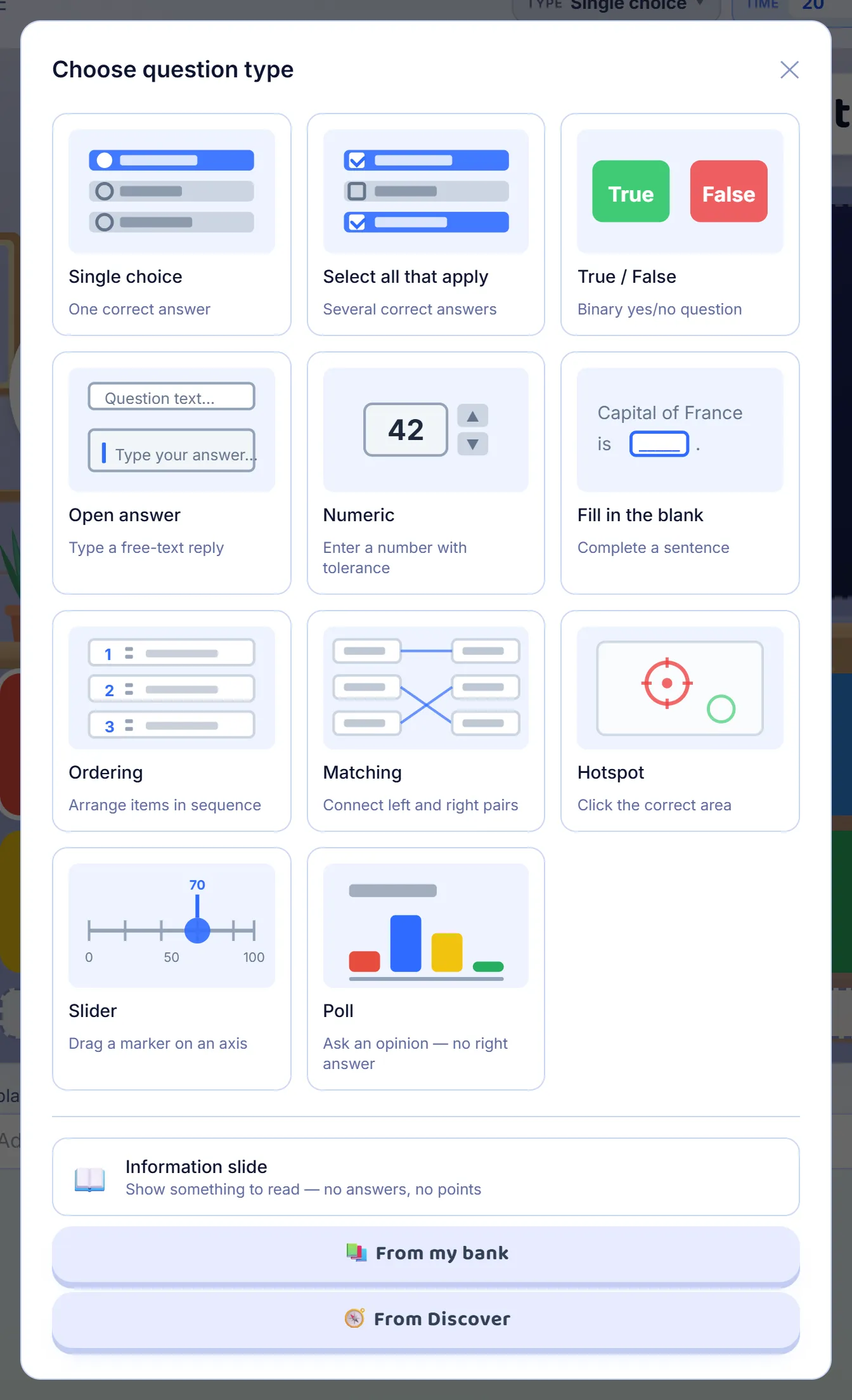
Making quizzesHow do I bring a quiz over from Blooket?Turn a Blooket question set into a Giga Quizzes set in a couple of minutes, without retyping a single question.5 steps · about 2 minRunning a gameHow does Hacker mode work?The same questions, played at each student’s own pace: right answers open vaults of crypto, and some vaults let them hack a classmate.13 steps · about 5 minRunning a gameHow does Pirate Plunder work?The same questions, played at each student’s own pace: right answers open treasure chests, and some chests let them plunder a classmate.14 steps · about 5 minMaking quizzesWhat kinds of questions can I ask?Eleven kinds of question and an information slide: what each one asks, how players answer it and how it is scored.13 steps · about 5 min

More guides
For when you need them
The most read first.
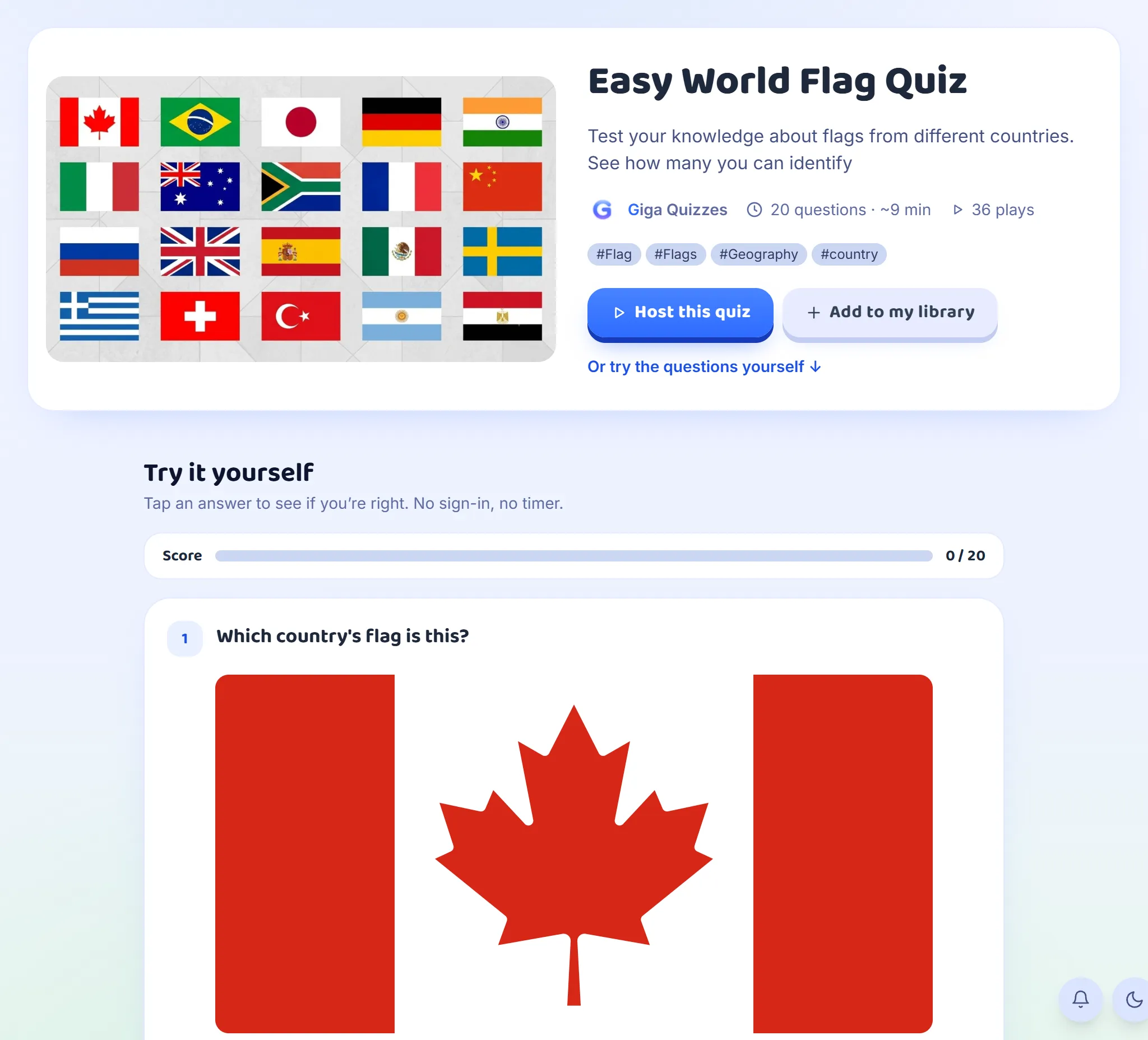
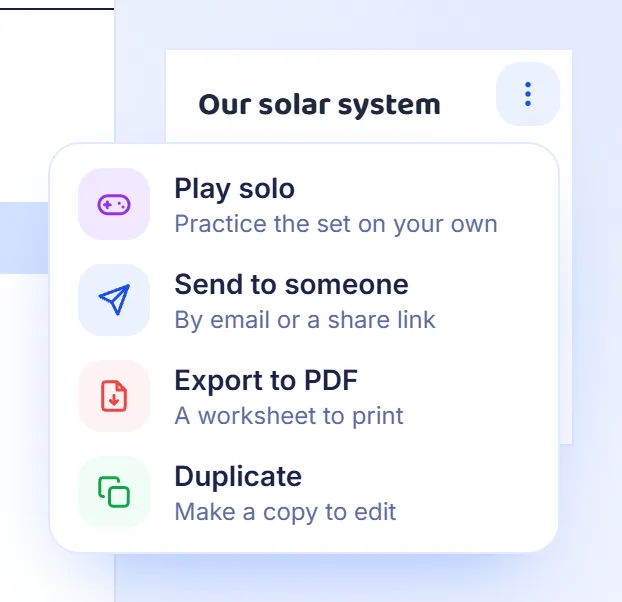
Running a gameHow do I play a quiz in teams?6 steps · about 3 minYour class and resultsHow do I set up a group for my class?12 steps · about 6 minMaking quizzesHow do I make a quiz that teaches, not just tests?8 steps · about 4 minRunning a gameHow do I set up a game the way I want?6 steps · about 4 minRunning a gameHow do I play a quiz in an online lesson?7 steps · about 3 minMaking quizzesHow do I make a maths quiz?7 steps · about 4 minYour class and resultsWhat can I do after a game ends?6 steps · about 3 minFinding and sharing quizzesHow do I find ready-made quizzes, or share mine?7 steps · about 4 minFinding and sharing quizzesHow do I share a quiz or print it?7 steps · about 3 min
Can’t find what you need?
Write to us, and we will get back to you.