Giga Quizzes is a free platform for live quizzes. A teacher builds a quiz and opens a game on the board, and the class joins from their phones, tablets or laptops with the room code. There is nothing to download, and players do not need an account.
A quiz can mix multiple-choice and true-or-false questions with polls, typed and number answers, number lines, ordering, matching, fill-in-the-blank and hotspots on a picture. Classes can play on their own or in teams.
Free to play and to host
Nothing to install
No account for players
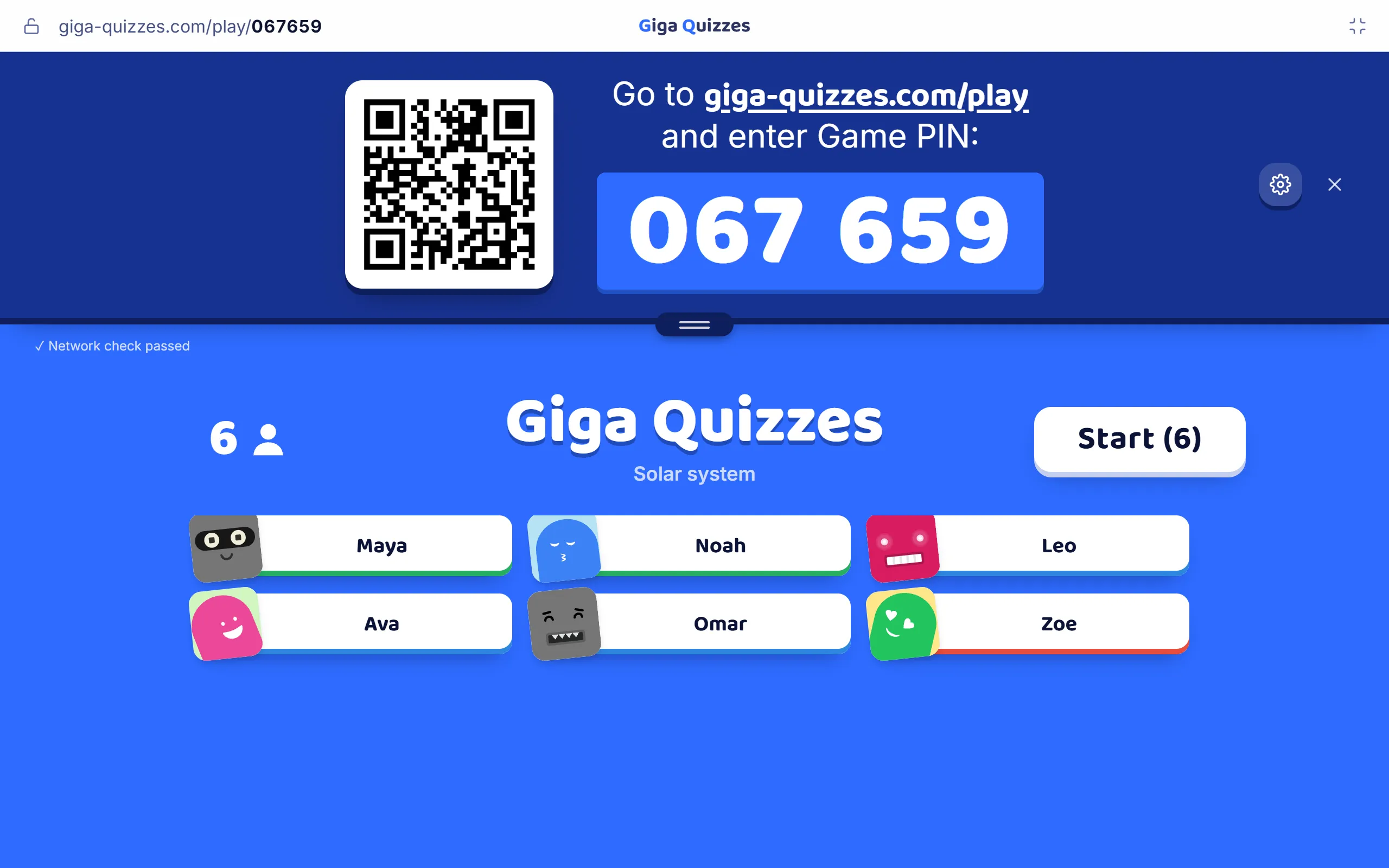
The board as a class joins
Here to play?
1Type the code from your teacher’s screen into the box above.
2Pick a nickname. Your answers go straight to the game on the board.
3While you wait for it to start, change your avatar and, if your teacher allows it, play a mini-game.
The teacher opens a game, and a room code and a QR code go up on the big screen.
2
Players type the code or scan it, pick a nickname, and dress up their avatar while they wait.
3
Each question appears on the board and on every phone, with a timer. A right answer scores points, and a quicker one scores more.
4
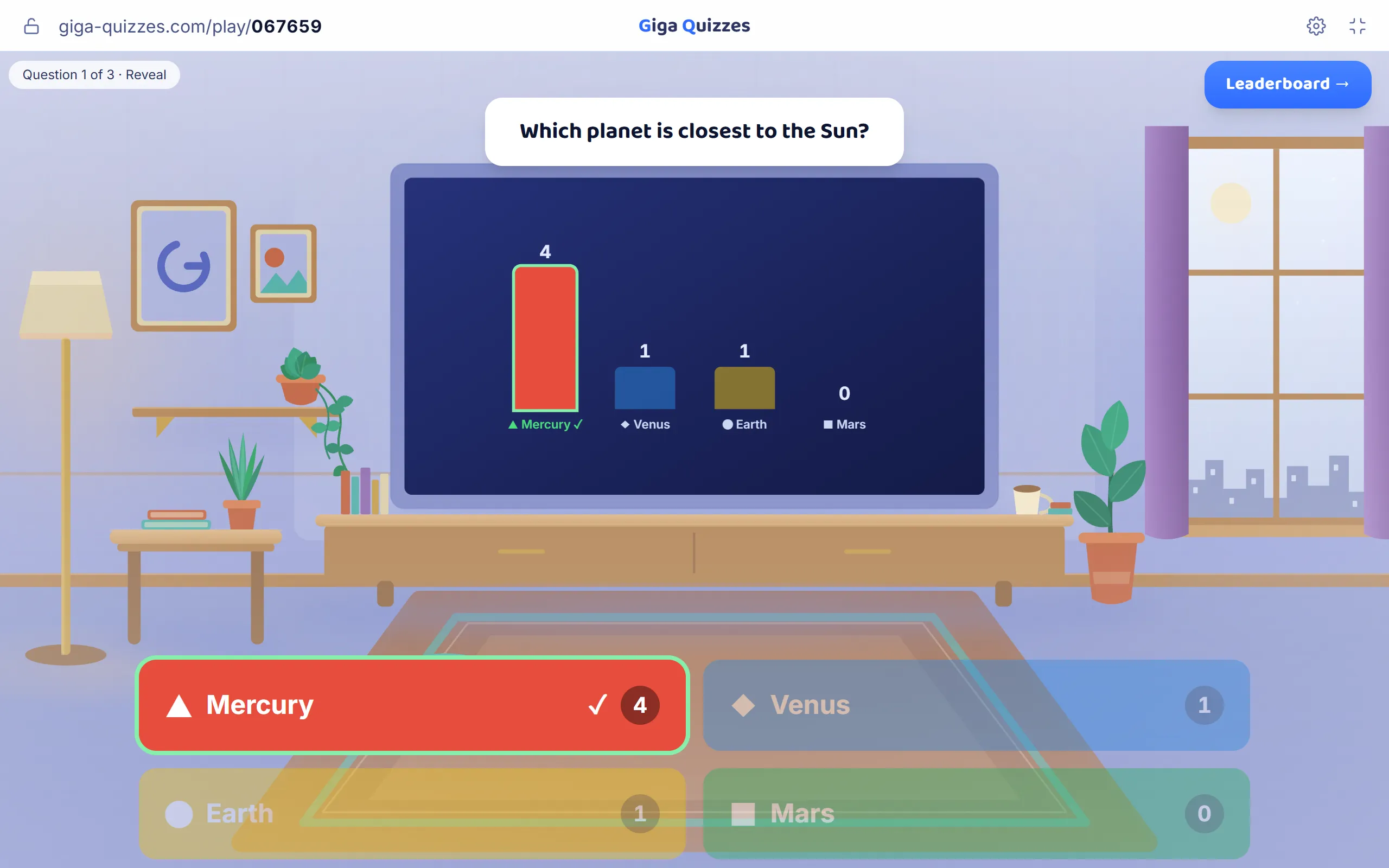
After each question the board shows how the room answered and which answer was right, then the leaderboard.
5
The game ends on a podium for the top three, and the teacher can save a report of every answer.
On the board: how the room answered
Two ways to play
Classic is the quiz game a class knows: timed questions on the board, answers from every phone, and a live leaderboard between the questions.
Hacker mode turns the same questions into a game of strategy. Players answer to earn crypto, dodge penalties and hack their rivals, and the game ends on a timer or when someone reaches the crypto goal.
Either mode can be played in teams, from two to six. Players pick their own team or are shared out evenly, and every right answer adds to the team’s score.
A quiz can mix eleven kinds of question: single and multiple choice, true or false, a typed word, a number, a slider on a number line, putting steps in order, matching pairs, filling in blanks, tapping a spot on a picture, and polls. Information slides set up a topic between them.
Write the questions yourself, generate them with AI from a topic in the language you write it in, import a question set from Blooket, or start from a ready-made quiz in Discover.
A question can carry a picture, revealed tile by tile as the timer runs, and an explanation for every answer. Points run from ×0 for a warm-up to ×3 for the question that matters most, and a keypad for maths understands fractions, powers and roots.
A group keeps one class together across many games. Students join it once, with a code or a link, and every group game adds to the group’s leaderboards.
A quiz can also be set as homework with a deadline. Students play it on their own, slides and explanations included, and the teacher sees how each of them did.
A live game does not need everyone in one room. Share your screen in Zoom, Google Meet or Microsoft Teams, paste the join link in the chat, and every student answers from their own computer, tablet or phone.
Every game can be saved as a report: the share of right answers for the whole game and for every question, how many players picked each answer of a choice question, and each player’s score and answers.
A report can be exported with a picture of every question and a card for every player, and any quiz can be printed as a worksheet or an answer key, or sent to another teacher as a copy.
Rude nicknames can be swapped for neutral ones before they reach the board. The teacher can lock the room once everyone is in, remove a player at any time, and give players three seconds to read each question before the answers appear.